Building blocks
Written By knollp
Last updated About 1 month ago
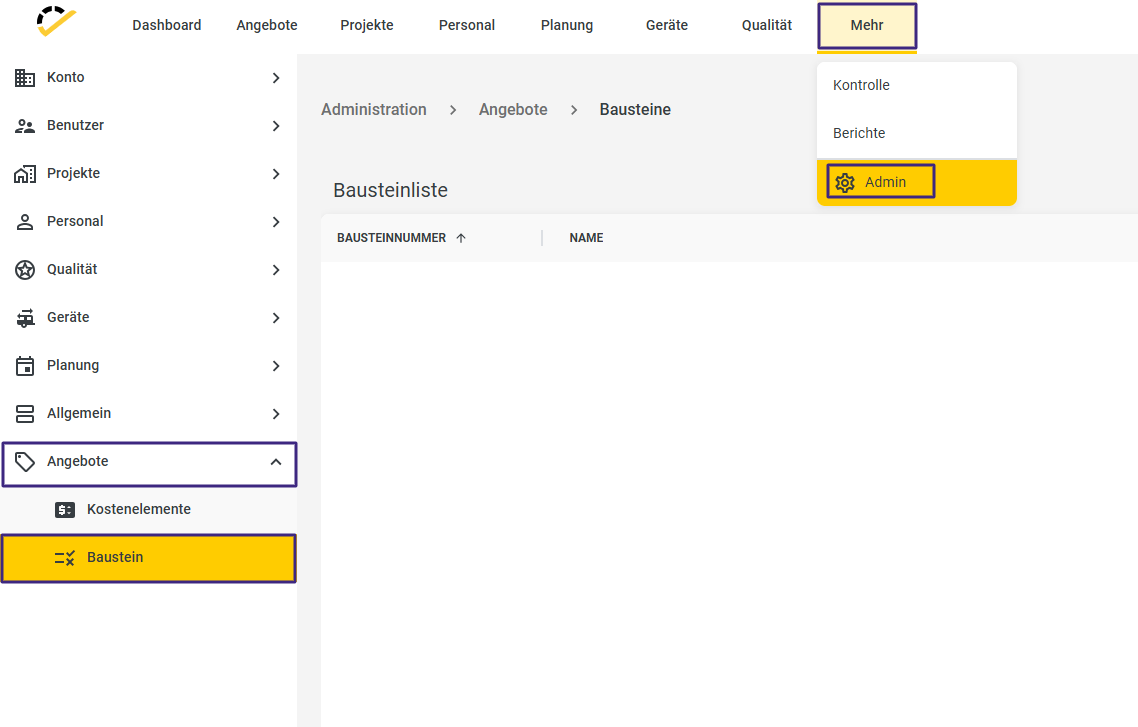
Click the More -> Admin -> Offers -> Modules button to view an overview of all the modules you've created.
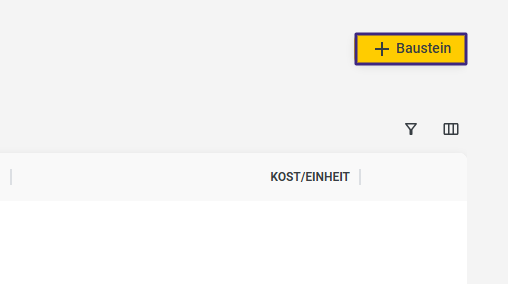
Click +Module in the top right corner to create a new module.
Enter the necessary information, such as module number, name, and unit.
Add cost elements such as materials, labor, or machinery, etc. To learn how to create a cost element, visit here.
You can select a cost element from the master data or add ad-hoc cost elements. For each cost element, you must specify the quantity required for one unit of the building block.
For ad-hoc cost elements, you must specify the quantity required for one unit of the module.
Additionally, you can add a detailed description and notes to record important information.
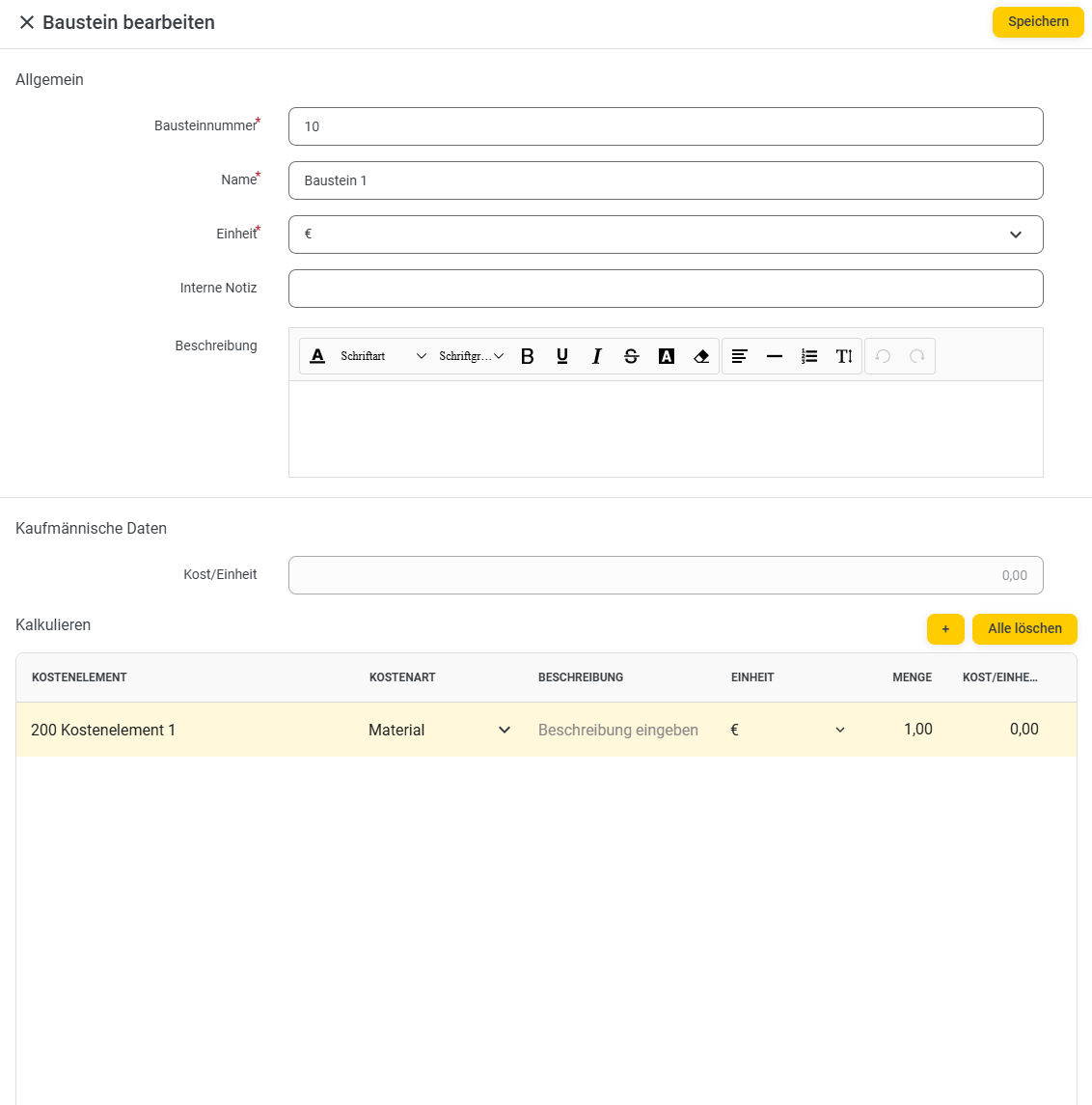
Save the module by clicking Save.
You can now insert your building block into a quote.
You can learn how to do this at here.