Cost Items
Written By knollp
Last updated 4 months ago
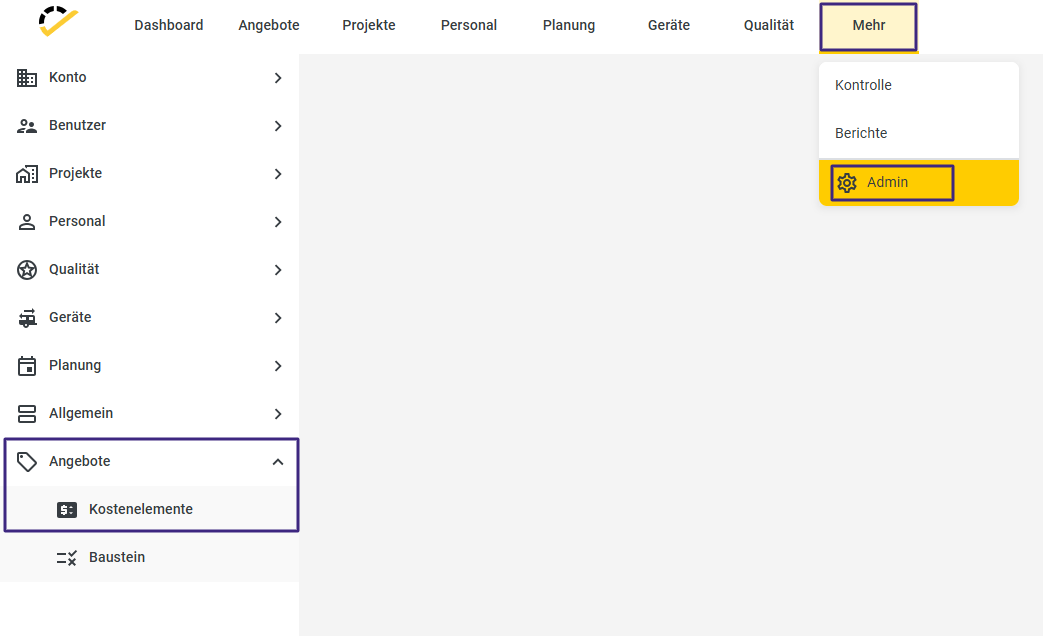
Click the More button -> Admin -> Quotes -> Cost Items to view an overview of your cost items.
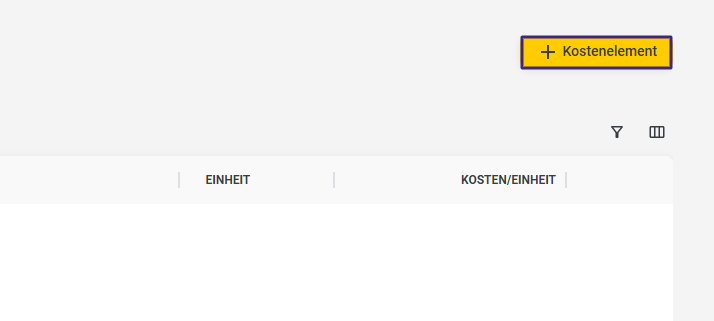
Click +Cost Element in the upper right corner to create a new element.
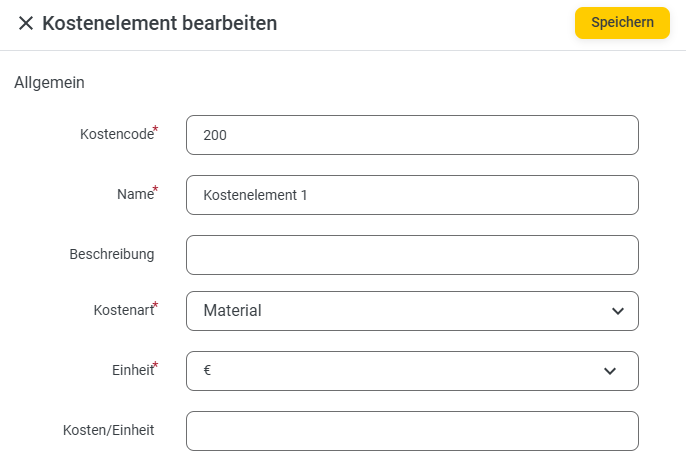
Enter the necessary information, such as cost code, name, unit, cost type, and cost per unit.
In the Unit field, you can select from your existing units. To learn how to enter a unit, visit here.
You can also add a detailed description to record important information.
Save the cost item by clicking Save.
After saving, the cost item can be used in modules or quotes.
You can learn how this works at here.