Units
Written By knollp
Last updated 6 months ago
Under the menu item More -> Admin -> General -> Units, you can set the units of measurement for recording material and equipment performance.

Click the +Unit button in the upper-right corner of the page to create a new unit.

The following entry form opens.
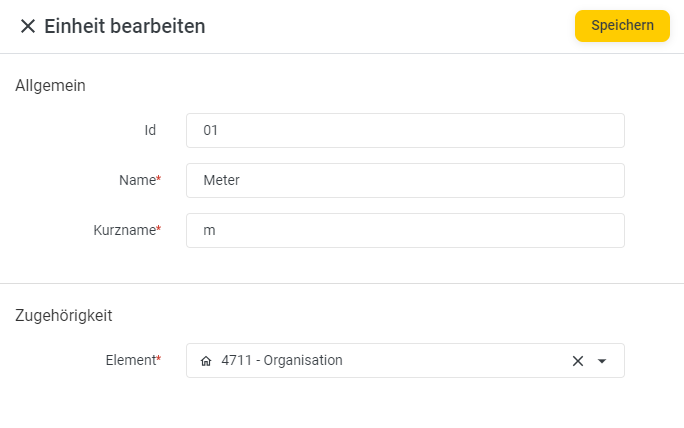
The Name and Short Name fields are required. The ID is optional.
Click the Save button to complete your entry.
The units you have created are now available to you, for example, when creating Materials and Power devices.