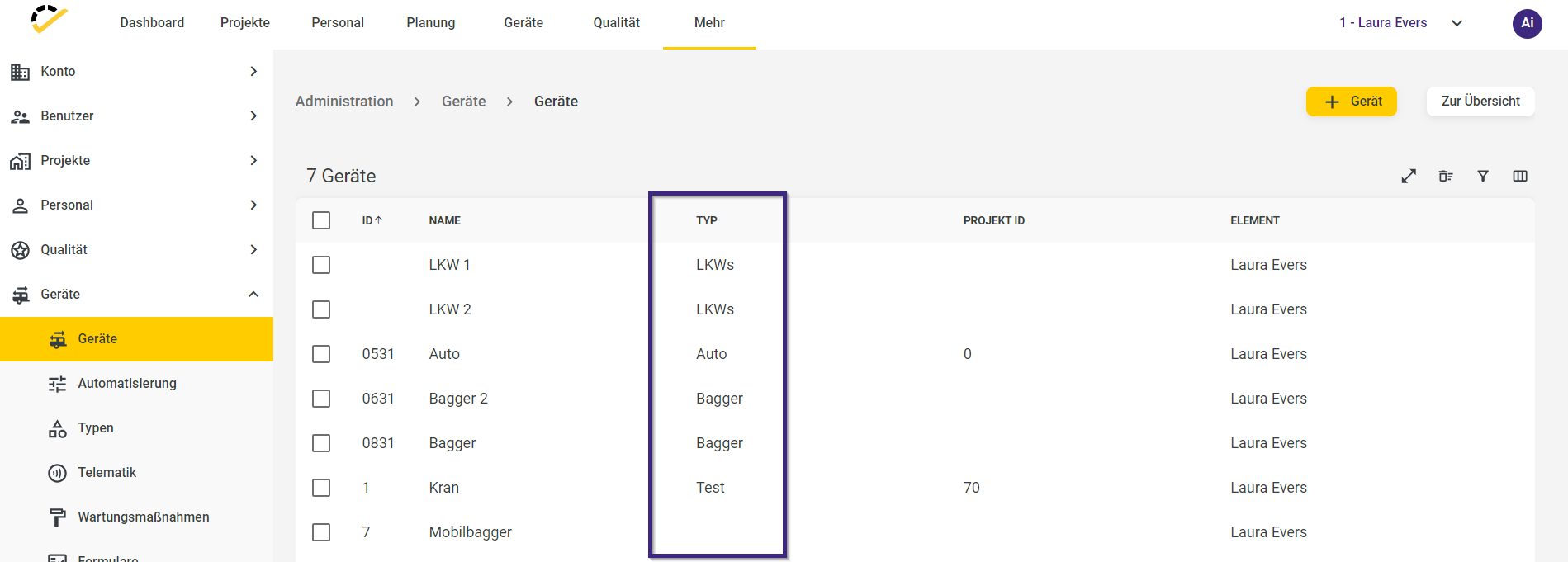
Device types
Written By knollp
Last updated About 1 month ago
Just like with staff, you can also organize your devices into groups and assign names to these groups. We refer to these groups as device types. You can create different device types individually, tailored to your specific needs and with a level of detail that suits you. These could include, for example, machines, vehicles, or tools.
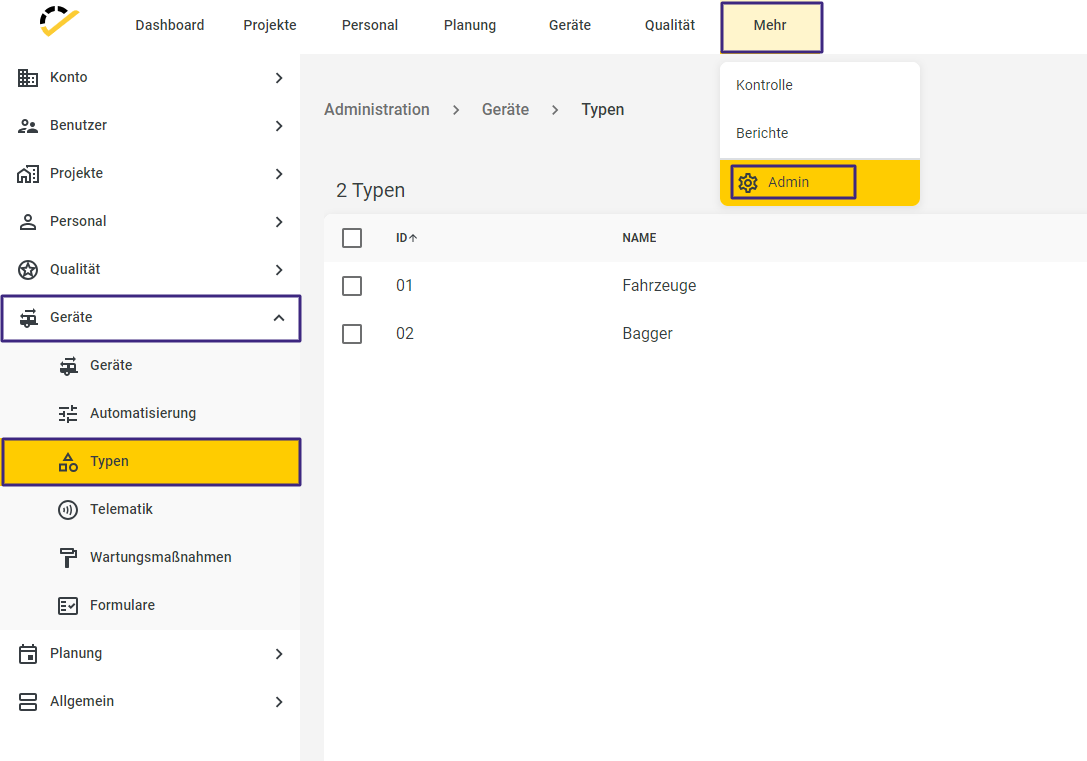
To create a new device type, navigate to More -> Admin -> Devices -> Types.
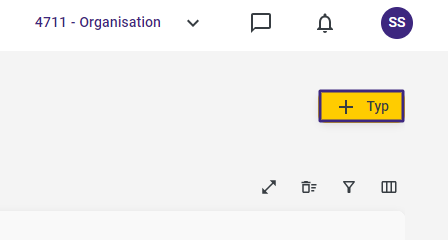
Click the +Type button in the top-right corner of the page to create a new equipment type.
The following entry form will open.
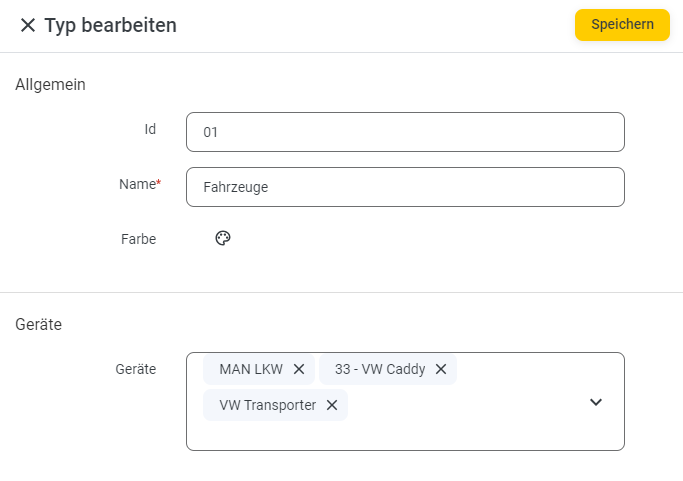
In the General section, enter an individual ID if needed and the name of the type (required field). Optionally, you can assign a specific color to the type. This color will also be visible later in the "Planning" (Device Overview).
In the Devices section, assign the devices that are to be associated with this device type.
In the Affiliation section, specify in which element/branch the device type is displayed.
When you open the "Device master data," you can filter by device type.