Staff types
Written By knollp
Last updated About 1 month ago
Office
Personnel types can be used in 123erfasst to improve the filtering of records and/or to distinguish employees by color, e.g., in the "Planning" (Personnel Overview).
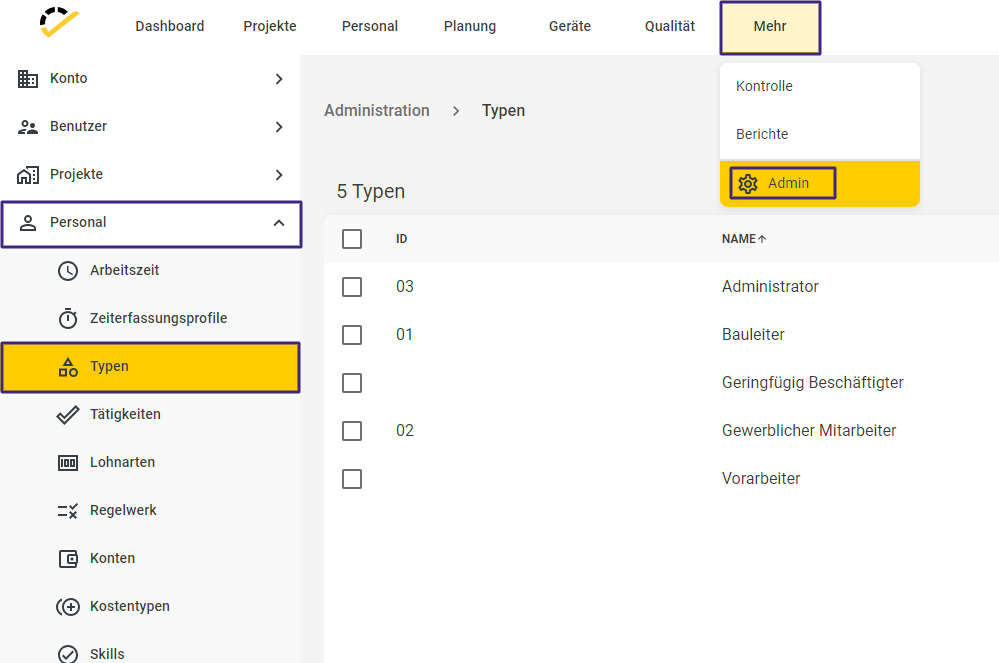
To create a personnel type, navigate to More -> Admin -> Personnel -> Types in 123erfasst Office.
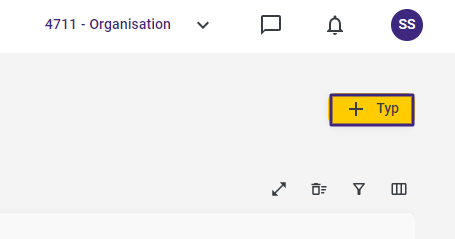
Click the +Type button in the upper right corner of the page to create a new personnel type.
The following entry form opens.
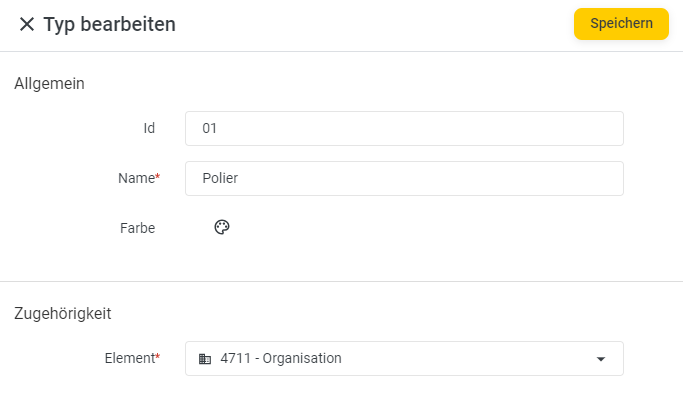
The Name field is a required field.
The Id and Color fields are optional.
Then click Save to complete your entry.