Switching to the new design - What do I need to know?
Written By Monja
Last updated 6 months ago
Discontinuation of the old 123erfasst interface as of February 28, 2027
123erfasst is constantly evolving to provide you with modern technology and the best possible support for your daily work.
As part of this evolution, the current, legacy 123erfasst interface will be discontinued on February 28, 2027.
What will be discontinued?
As of this date, the following components will no longer be available:
Old user interface
By "old interface," we mean the entire interface here
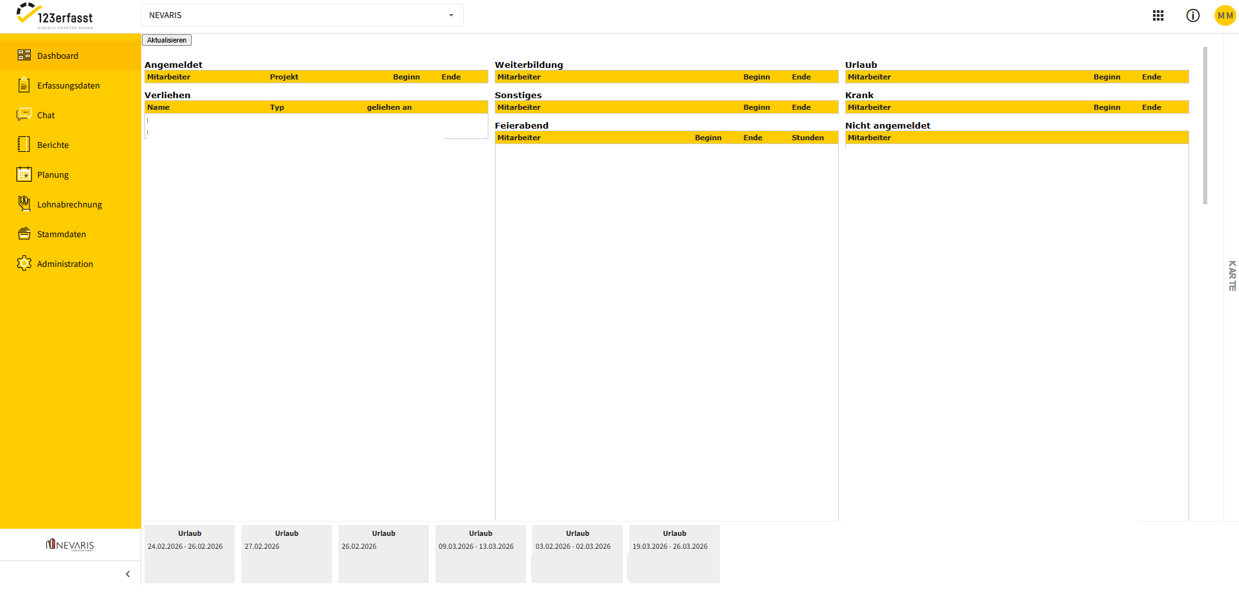
Old monthly calendar
Within the old interface, the old monthly calendar is no longer supported.
The old monthly calendar is not used by all companies. If these paths do not exist in the client, this feature is not enabled for that client or user.
The monthly calendar is located in Payroll Accounting and then under the Monthly Calendar section: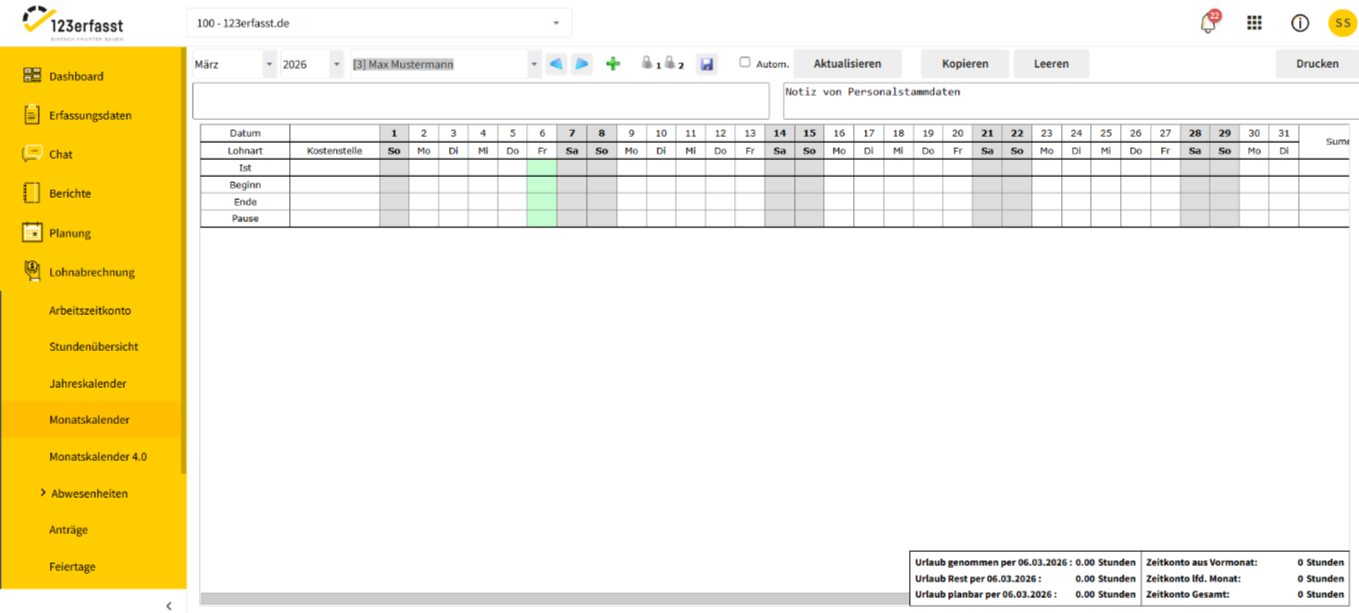
Old rule sets
The old rule sets are not used by all companies. If these paths do not exist in the client, this feature is not enabled for that client or user.
The rule sets are located in the master data under the "Payroll" section and then the "Rule Set" item: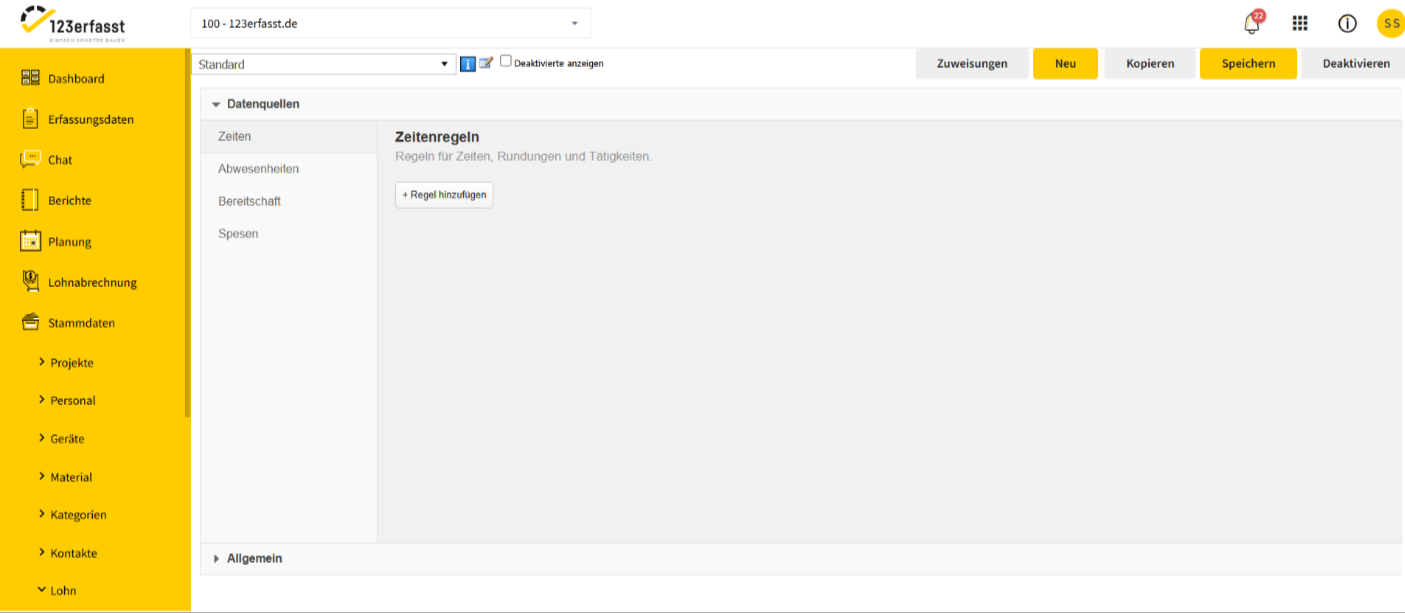
Old Roles and Permissions
The old roles and permissions are located under Administration, then the Roles Management section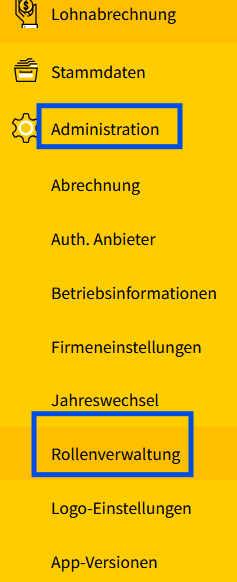
:
Old Work Time Calendar
The old work time calendar is not used by all companies. If these paths do not exist in the client, this feature is not enabled for that client or user.
The work time calendar is located in the master data under the "Personnel" section and then the "Personnel Times" item: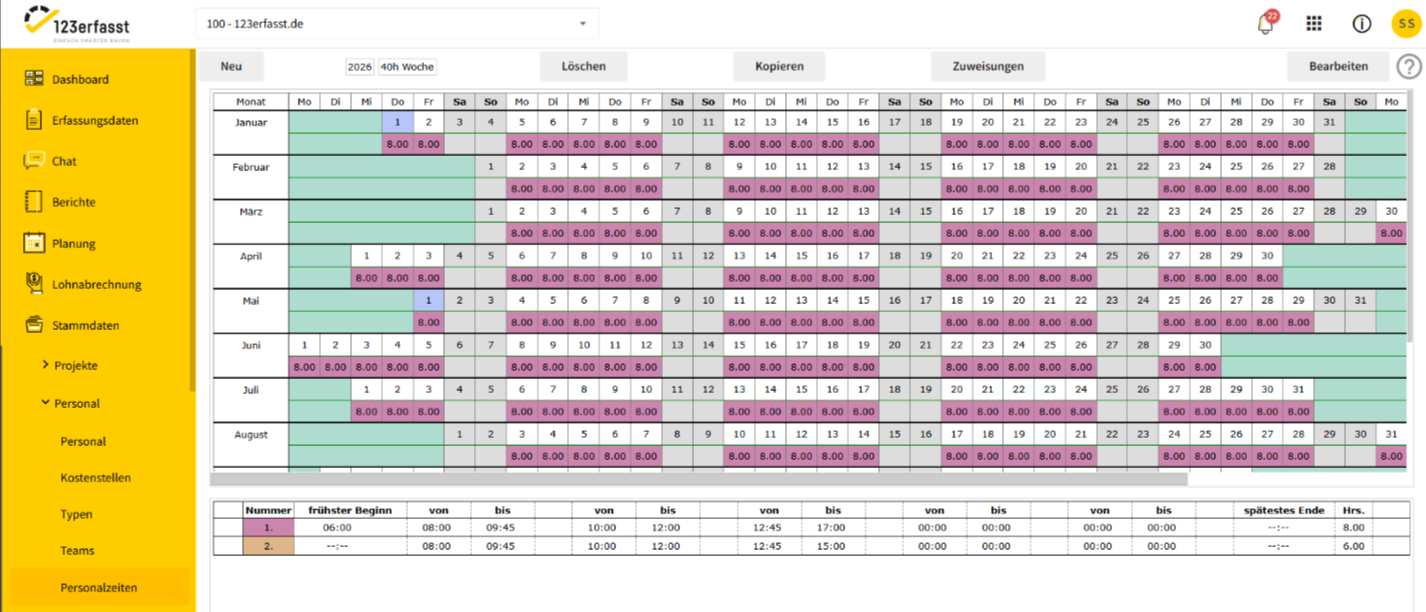
Location
Tracking Not all companies use location tracking. If these paths are not present in the client, this feature is not enabled for that client or user.
Location tracking is located under Data Entry and then the Location Tracking section: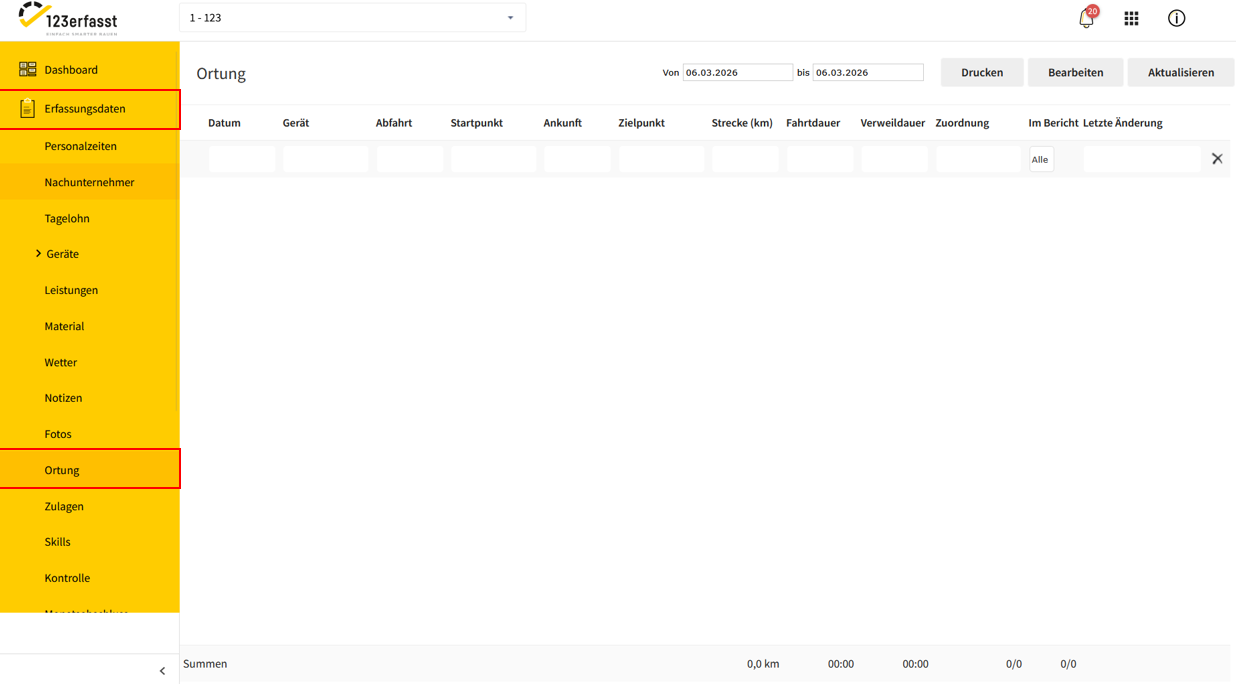
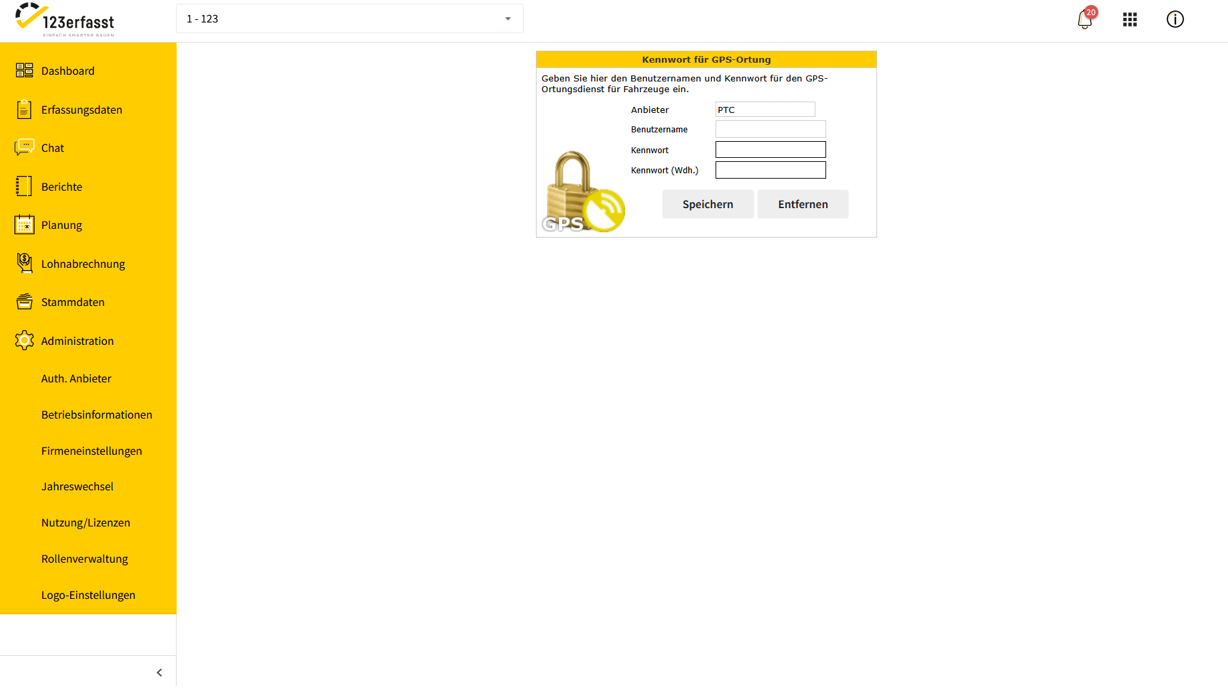
This also includes the location setting with the corresponding password in the Administration section under GPS Location Password:
All paths for our v1 REST API are available at
/apiAdditional information is summarized here:
ℹ️ Discontinuation of the REST APIs - 123capturedLarge parts of the v2 REST API are available at
/api/v2Additional information is summarized here:
ℹ️ Discontinuation of the REST APIs - 123captured
The new interface
With the new interface, you benefit from modern user guidance, improved performance, and many new features. You
can find an overview of the improvements here:
👉 What has improved? The advantages of the new design
Migration and Alternatives
We provide automatic migrations or modern alternatives for all affected areas:
Roles: Existing roles are migrated automatically—your permission structure remains intact.
The migration can be initiated by users who are also authorized to create or edit roles. The migration prompt appears when a user clicks on an old role. We have provided
more information here:Rulesets: Old rulesets are adapted so that they can use the new Monthly Calendar 4.0.
The migration prompt appears when using the old Monthly Calendar—but only for users who are authorized to edit the old rule sets. The migration can be initiated directly from the prompt.
Device Module: The new “Devices” module offers expanded capabilities for integrating device telemetry and location monitoring.
Interfaces: Our APIs have been modernized—moving forward, we will rely on the GraphQL API.
Support for the transition
To make the transition as smooth as possible, we offer various resources:
🎬 Webinars to introduce you to the new interface
🧭 Free monthly Webinarss. Webinars
can be filtered in the Academy. The “Freemium” webinars are relevant here.💡 Custom training through our Professional Services
Migration schedule
For instructions on how to start the migration manually, see the section “Migration and Alternatives” above.
Recommendation
We recommend that you switch to the new interface early to take full advantage of all current and future features of 123erfasst.
If you have any questions or would like to schedule individual training sessions, we are always happy to assist you.