Calculation - Settings
Written By knollp
Last updated About 1 month ago
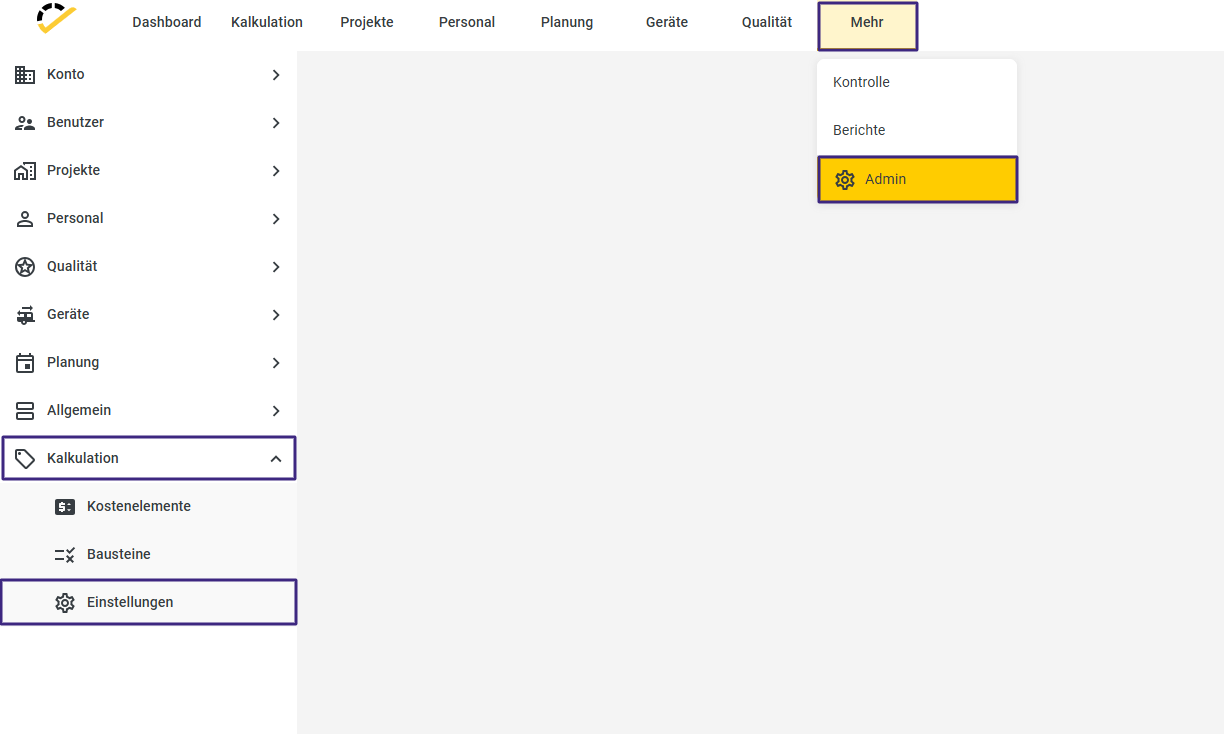
Under More → Admin → Costing → Settings, you'll find the basic settings for the Costing module.
Number Ranges
You can define number ranges for the different document types.
If you want your quotes, orders, invoices, or credit memos to always include the current year and month followed by a sequential three-digit number as the document number, then set up the number range as follows, for example.
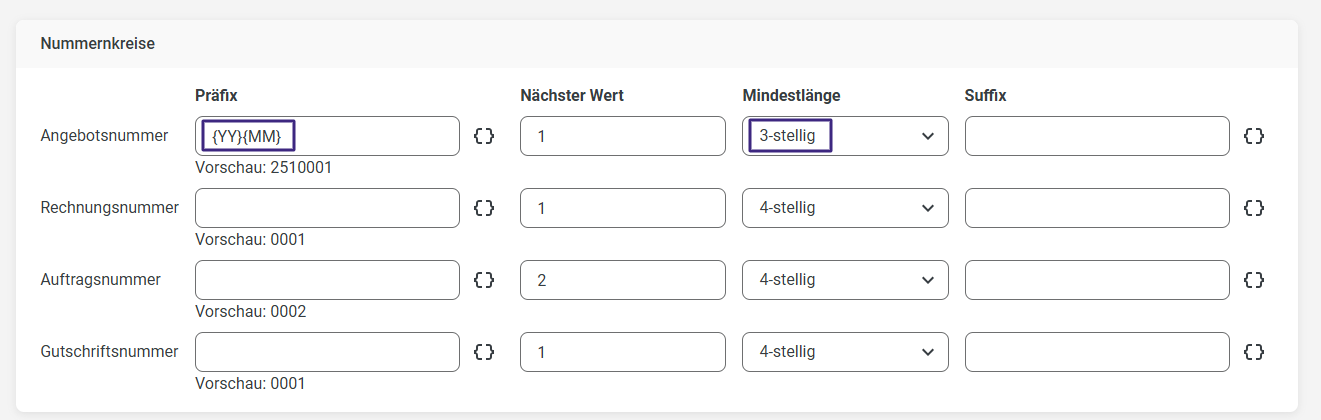
You can select the prefix and suffix using the two curly braces {} to the right of the respective field.
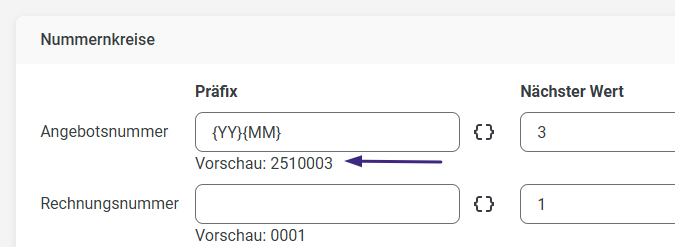
In the preview directly below the respective number range, you can see what the number for the respective document type would look like based on your settings.
Letterhead
You can upload your custom letterhead in PDF or image format to use it for your documents.
To do this, either drag and drop the letterhead into the designated field, or upload it by clicking on "Click here."
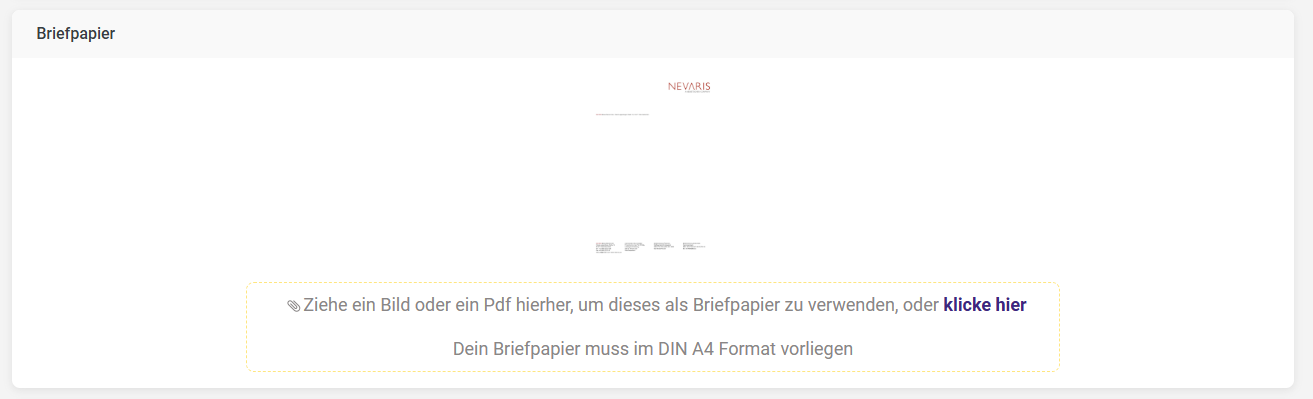
The letterhead is automatically applied in the preview and in the PDF printout of the documents.
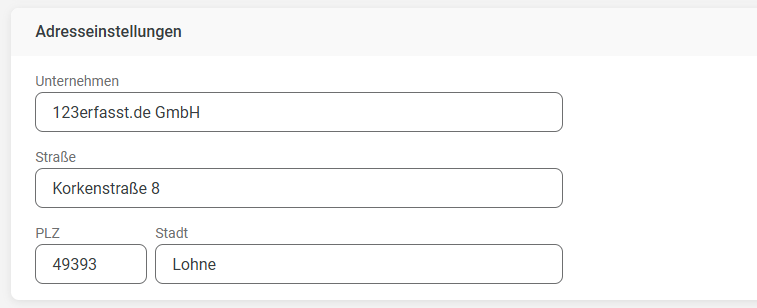
Address Settings
In the address settings, you enter your company details. These details will later appear in the respective document in the preview or printout at the top of the header above the customer’s address as the address line.
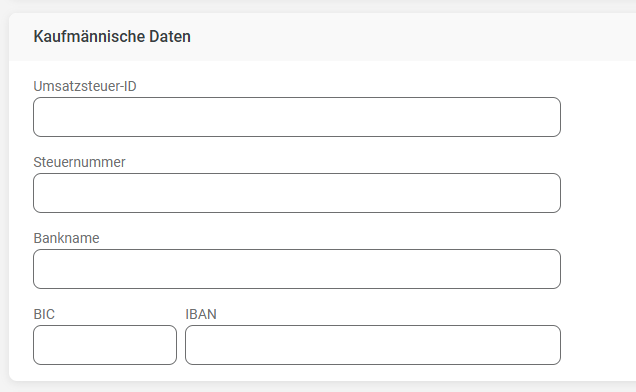
Business Information
In the business information section, you can enter additional details about your company, which will also be printed on the respective document later.
Additional Settings
In the additional settings, you specify globally how long your documents are valid. You can adjust this validity separately in the respective document if, in exceptional cases, a specific document requires a different validity period.
