Project evaluation hours
Written By knollp
Last updated About 1 month ago
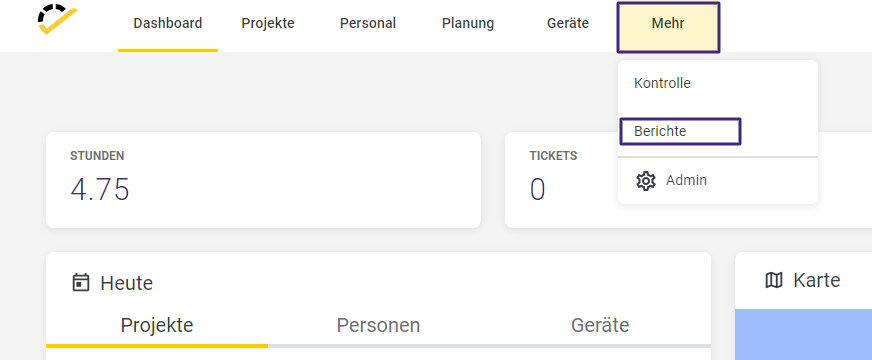
To view the entries for your projects in a project summary, go to More -> Reports in the 123erfasst Office.
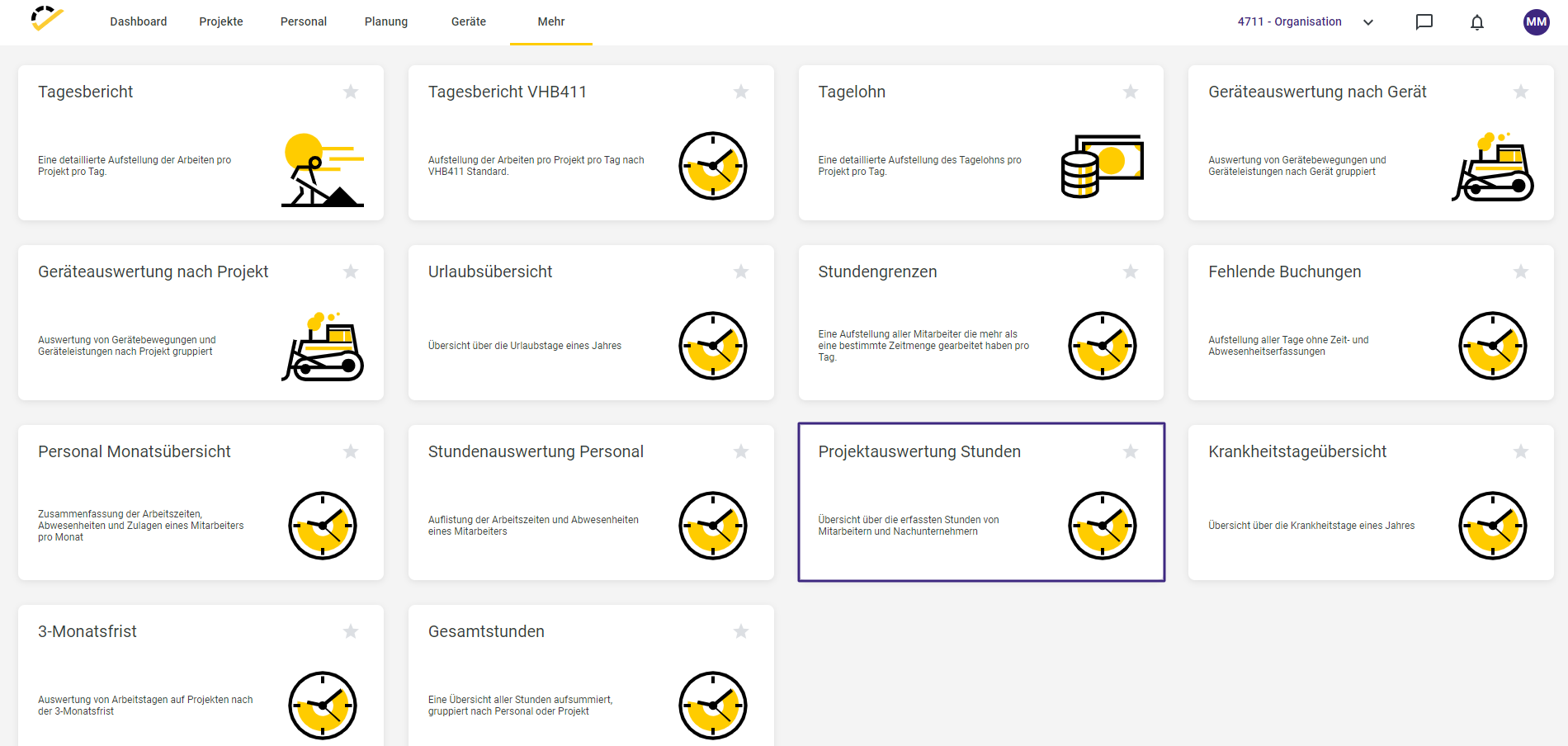
In the report overview that opens, select the Project Evaluation Hours report.
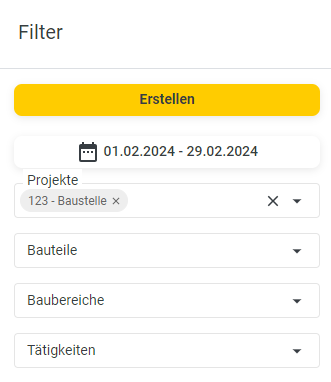
In the report, you can set filters on the right-hand side that affect the data displayed in the report.
For example, select the project for which you want to generate the report.
Also, specify the date range for which the data should be displayed.
You can further refine the data displayed in the report by specifying components, construction areas, and activities.
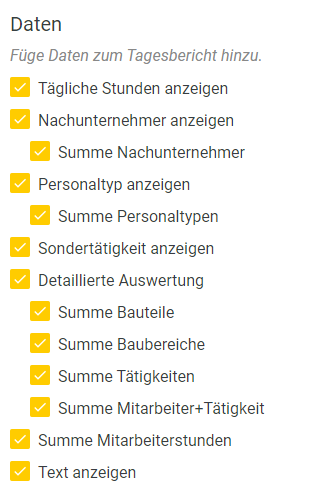
In the Data section, you specify which data should be displayed in the report.
Finally, click the yellow Create button to generate the report.
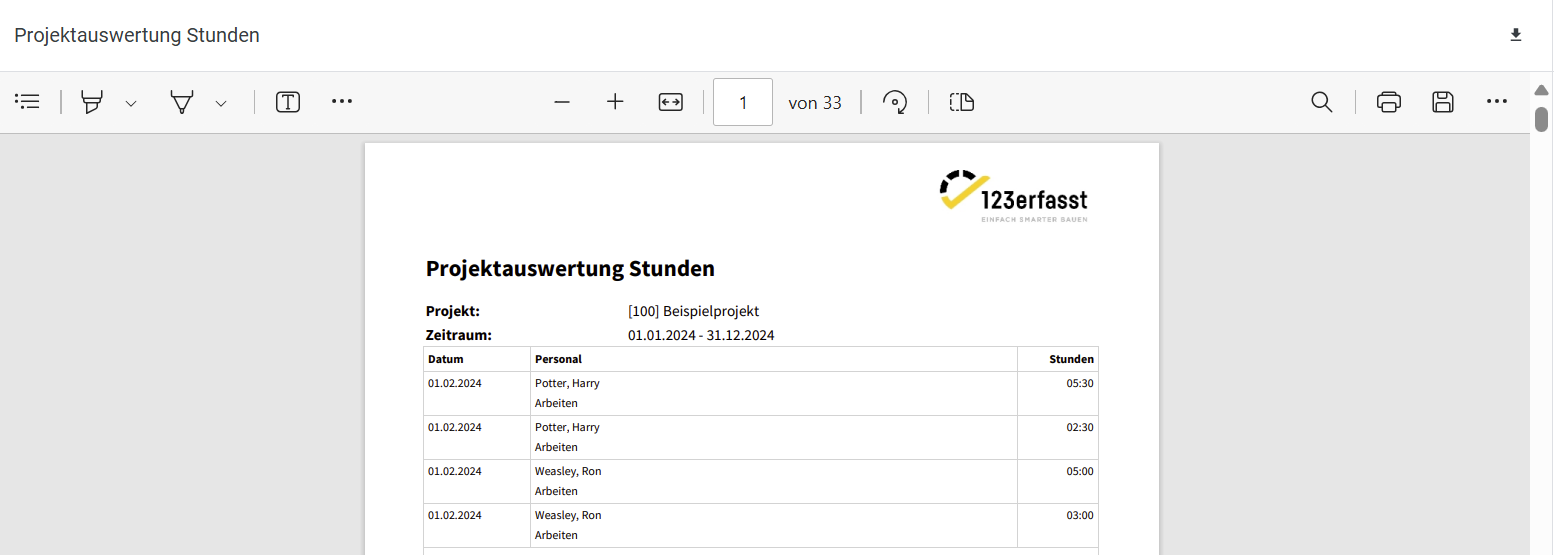
You now have the option to print the report using the printer icon.

Alternatively, you can download the report using the download icon.

The report export window opens, where you can specify a file name for your report.
Here, you can also select the format in which you want the report to be provided.
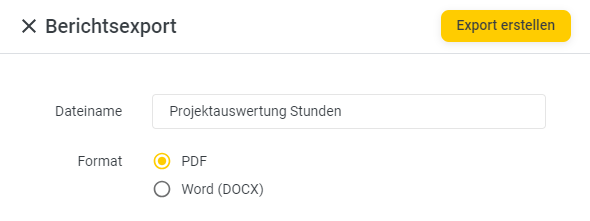
Clicking "Create Export" will convert the report to the selected format and download it. You will receive a corresponding notification via the "Download Complete" message at the bottom right of the page.
