Hour limits
Written By knollp
Last updated About 1 month ago
To view an overview of the hourly limits for your employees, go to More -> Reports in the 123erfasst Office.
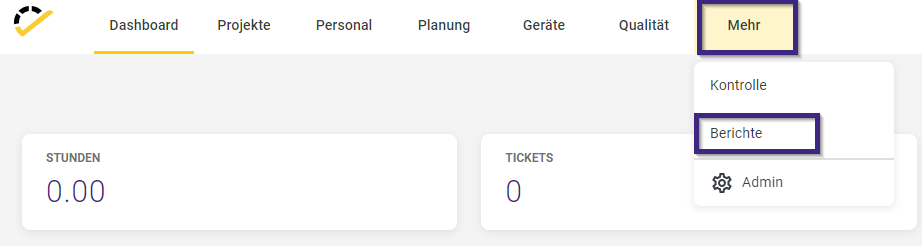
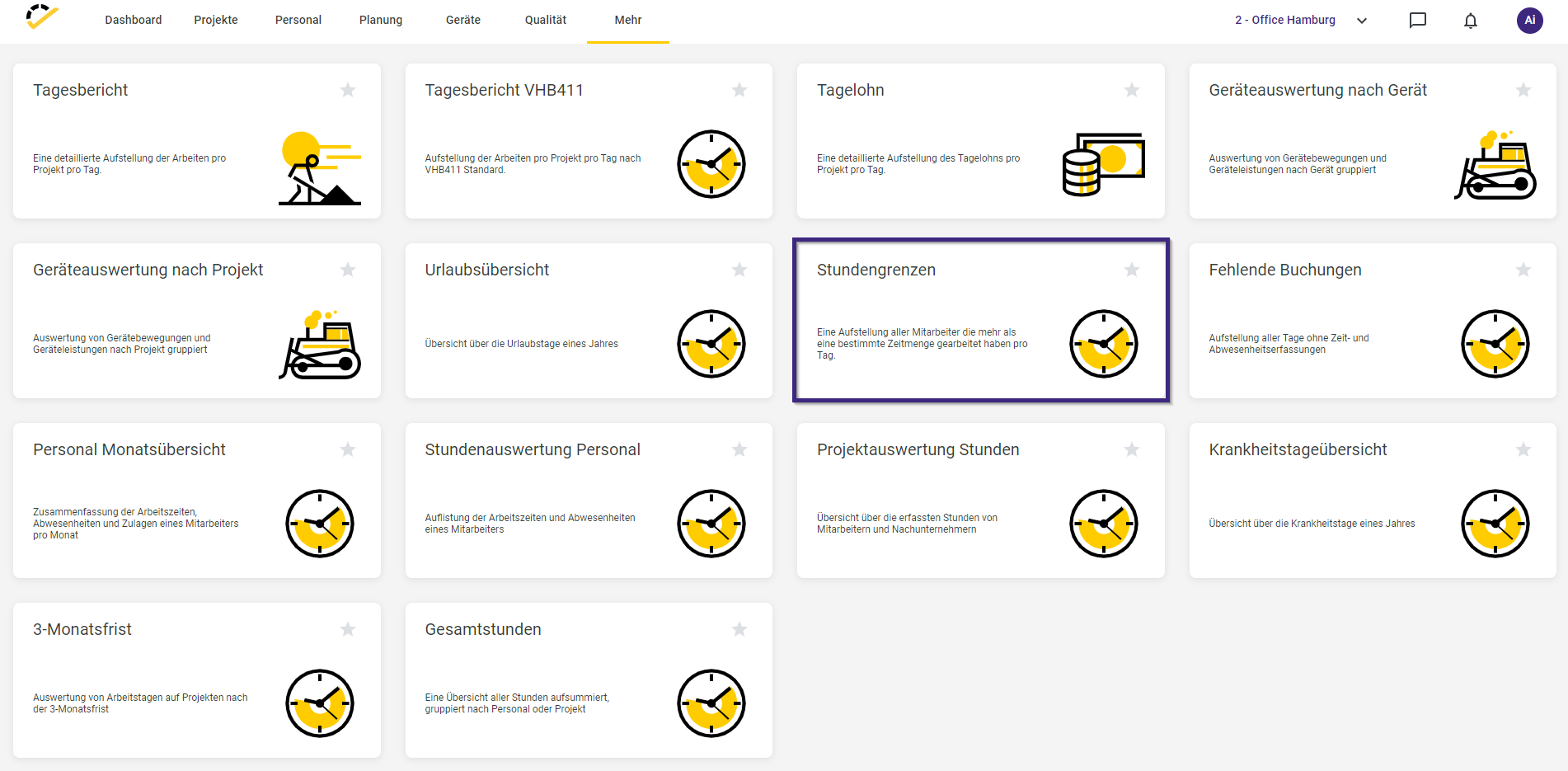
In the report overview that opens, select the "Hour Limits" report.
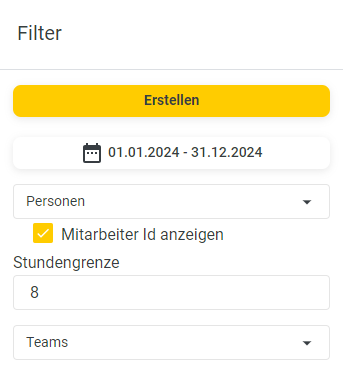
In the report, you can set filters on the right-hand side that affect the data displayed in the report. Here, you can select a specific time period and the people for whom the report should be generated. In the Hour Limit section, enter the number of hours the report should be based on. Directly below that, you can also select a team to view your team members’ hour limits at a glance
After you click Create, the list overview for the hourly limits opens:
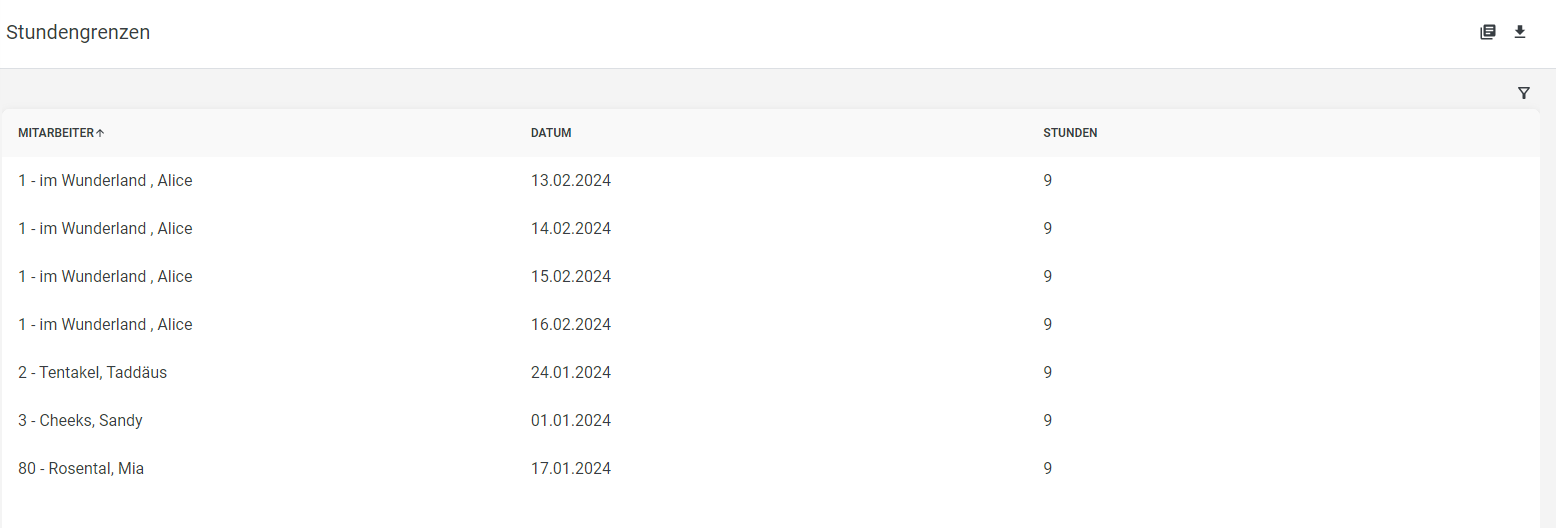
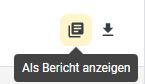
You can also view the list as a report by clicking the following button:
The output will then open as follows:
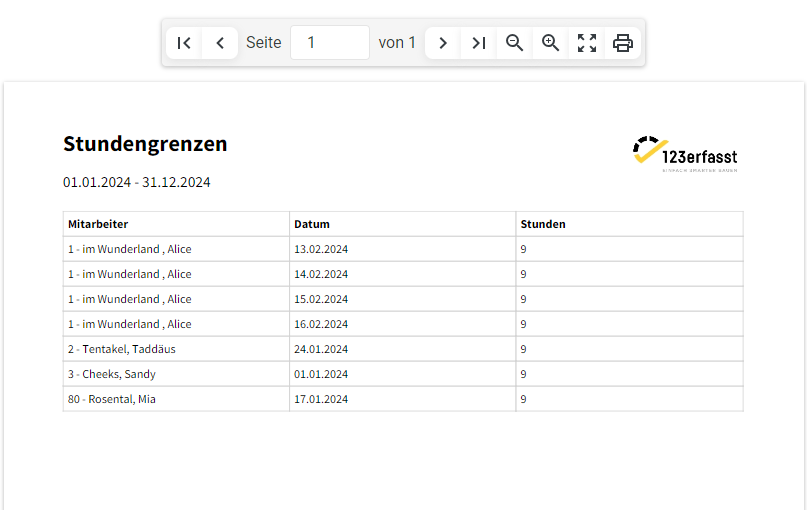
You also have the option to print the report using the printer icon.

Alternatively, you can download the report by clicking the download icon.
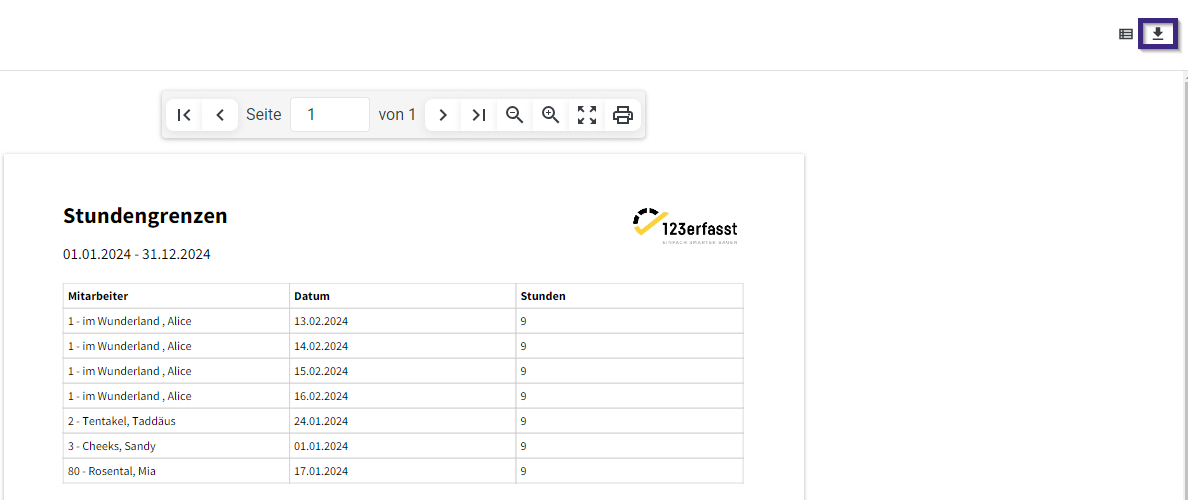
The report export dialog box opens, where you can specify a file name for your report.
Here, you can also select the format in which you want the report to be provided.
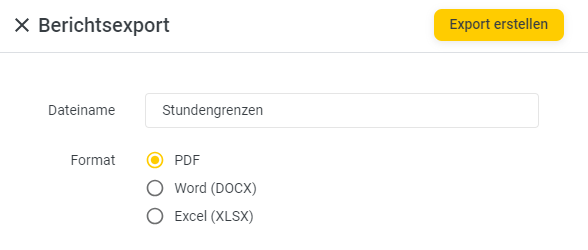
Clicking "Create Export" converts the report to the selected format and downloads it. You will receive a corresponding notification via the "Download Complete" message at the bottom right of the page.