Quality dashboard
Written By knollp
Last updated About 1 month ago
You can access the Quality Dashboard by selecting Quality -> Overview from the menu.
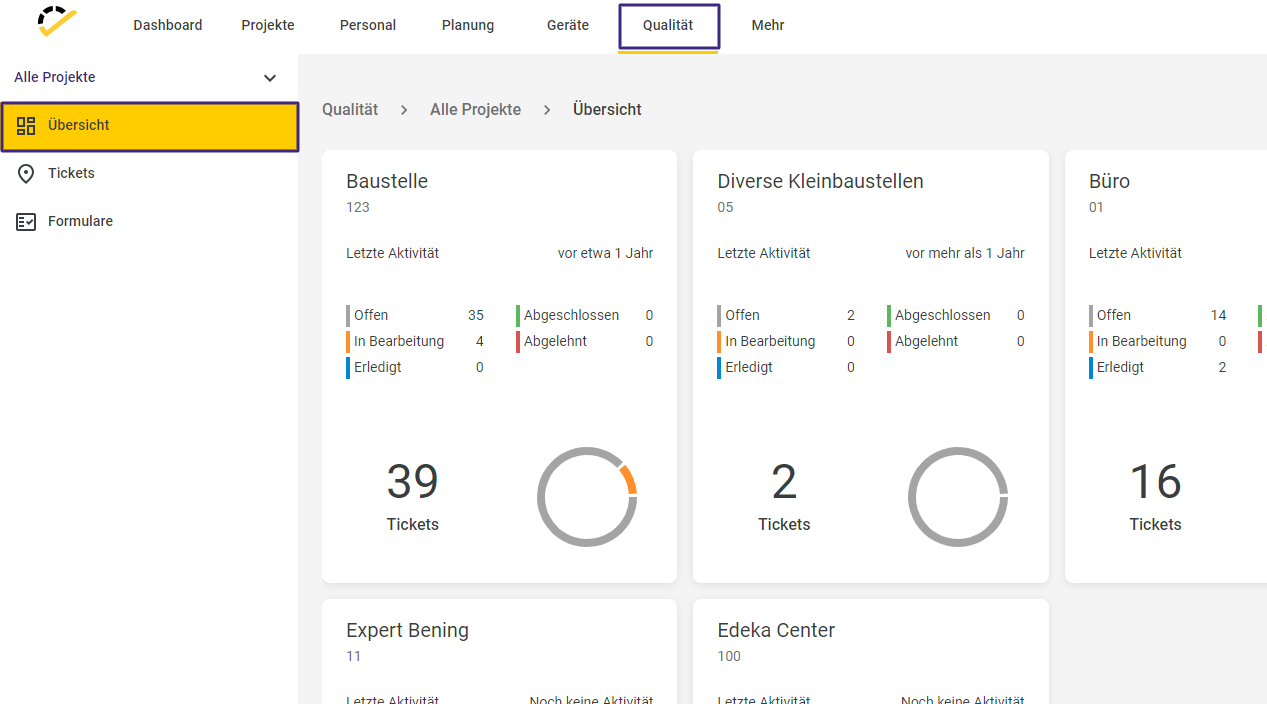
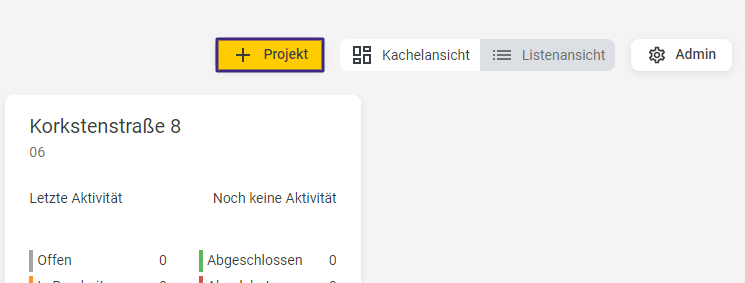
This dashboard displays all your active projects in a tile view.
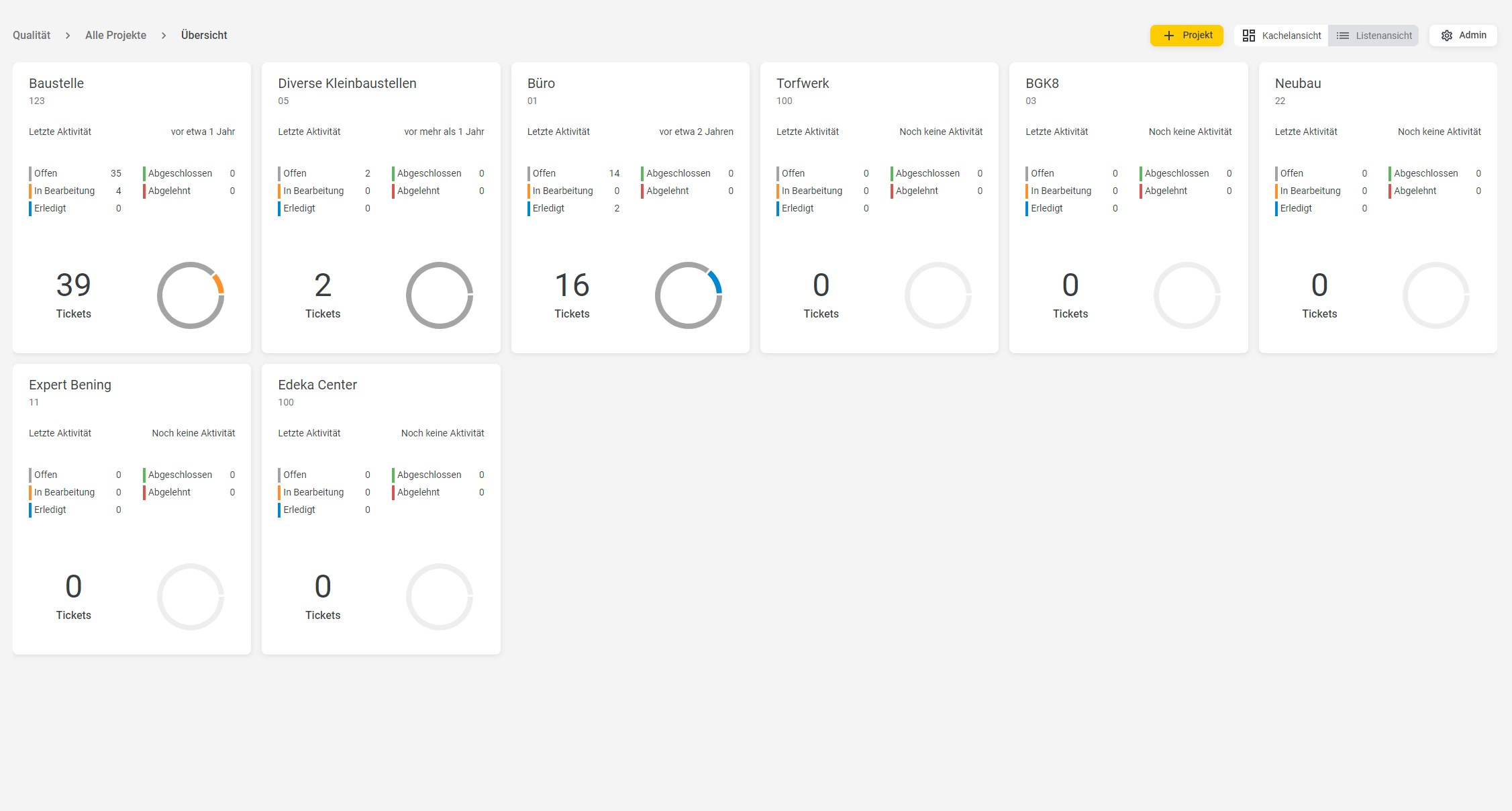
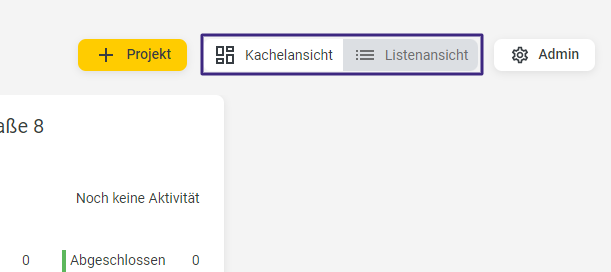
In this overview, you can switch between the tile view and the plan view.
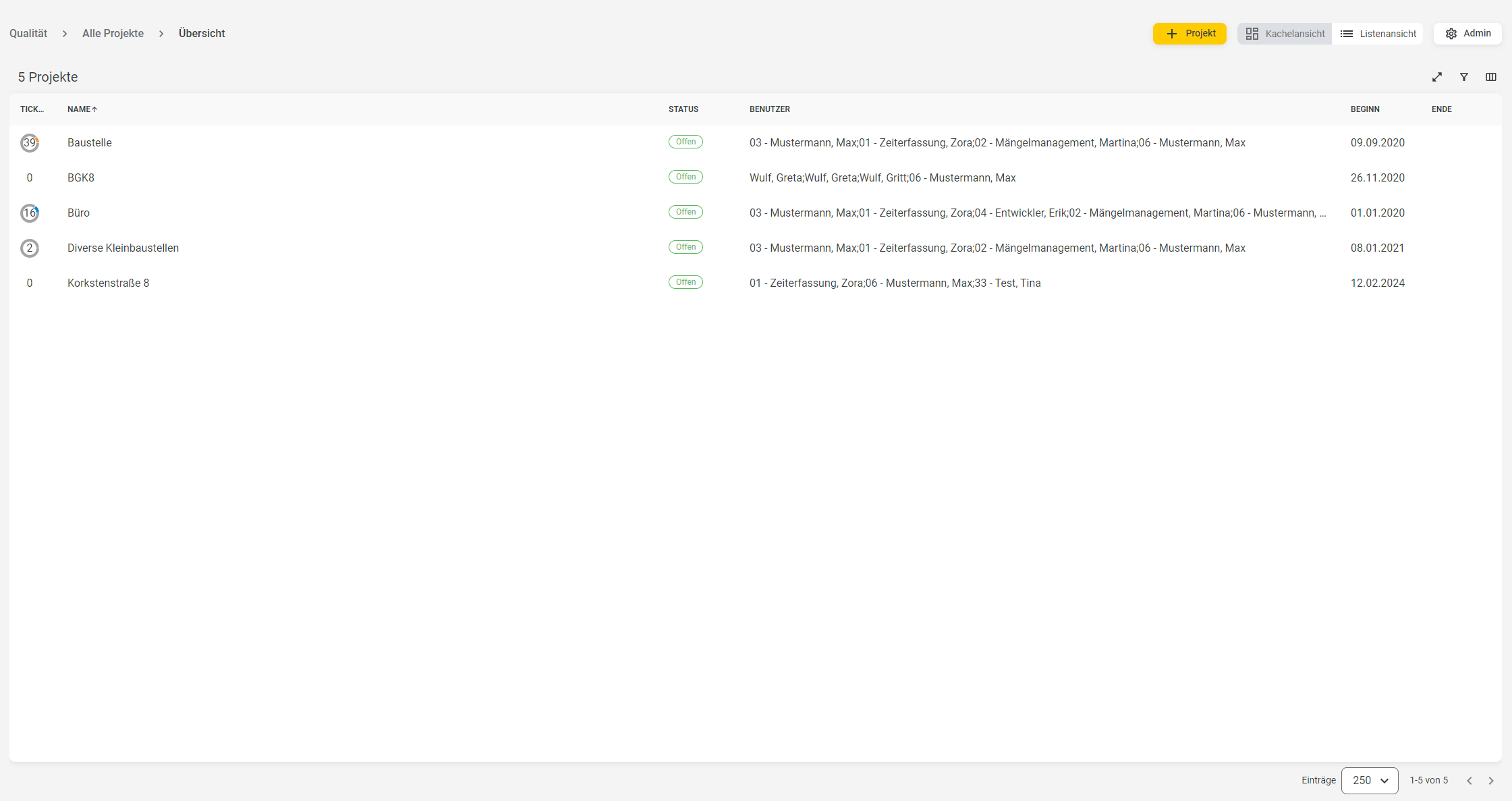
The list view displays the projects in a tabular format.
You can create a new project from the Plan and/or List view using the +Project button.
For more information on creating projects, click here.
Clicking on a project takes you to the project dashboard.
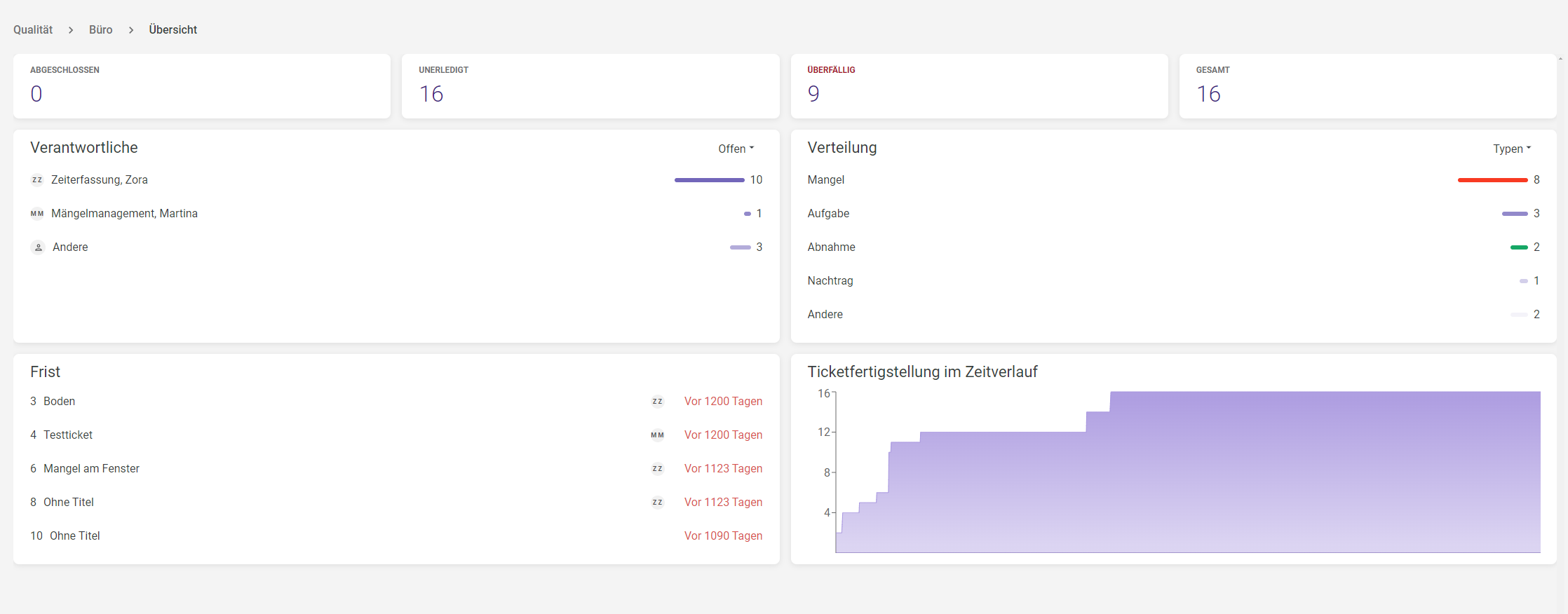
Here you’ll find an overview of open, completed, and overdue tickets.
You can also jump directly to the list of open, completed, and overdue tickets from here by clicking on the respective tile.
