Maintenance measures
Written By knollp
Last updated 6 months ago
To record your maintenance tasks in 123erfasst, click More -> Admin -> Devices -> Maintenance Tasks in the Office.

Click the +Maintenance Task button in the upper-right corner of the page to create a new maintenance task.
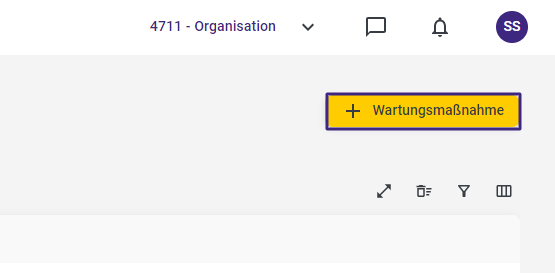
The corresponding entry form will open.
If necessary, assign an ID to your maintenance task.
The title, reference value, time period, interval, and warning are required fields.

For the reference value, you can choose from the options Meter Reading, Mileage, or Calendar.
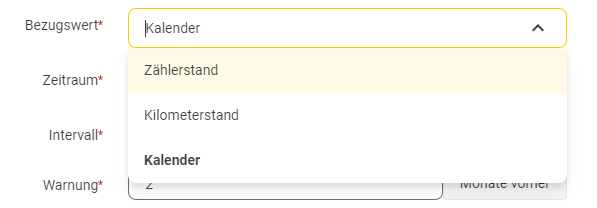
In the "Time Period" field, select between days, weeks, and months.

The interval specifies how often a device requiring this maintenance task must be serviced.
The value entered in the "Warning" field specifies how far in advance the system should notify you via email about the upcoming maintenance.
Click Save to complete the entry for your maintenance task.