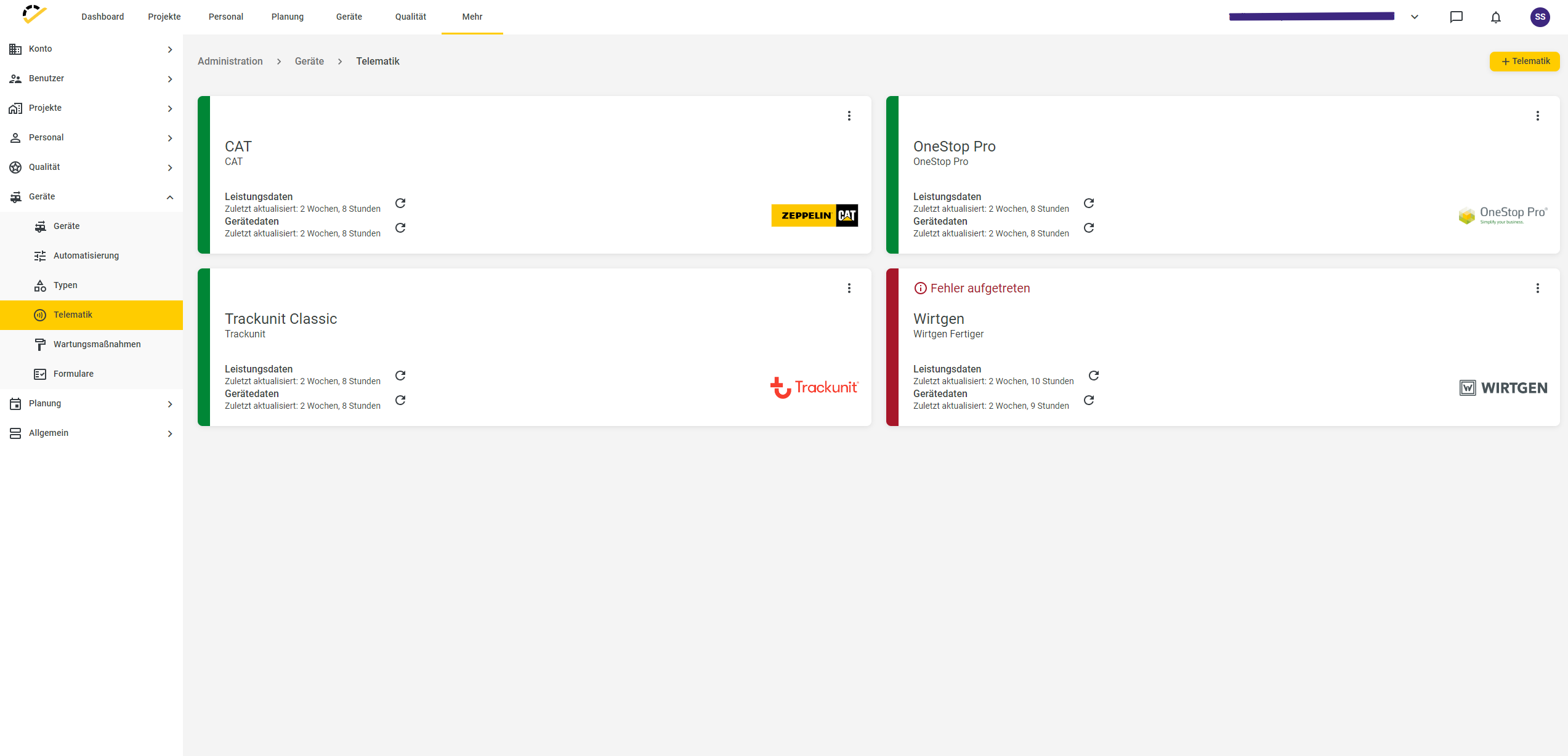
Telematics / tracking portals
Written By knollp
Last updated About 1 month ago
In the 123erfasst Office, go to More -> Admin -> Devices -> Telematics to link the tracking providers for your machines, vehicles, and devices, so that device performance data and movements are automatically transmitted from the respective tracking provider to 123erfasst.
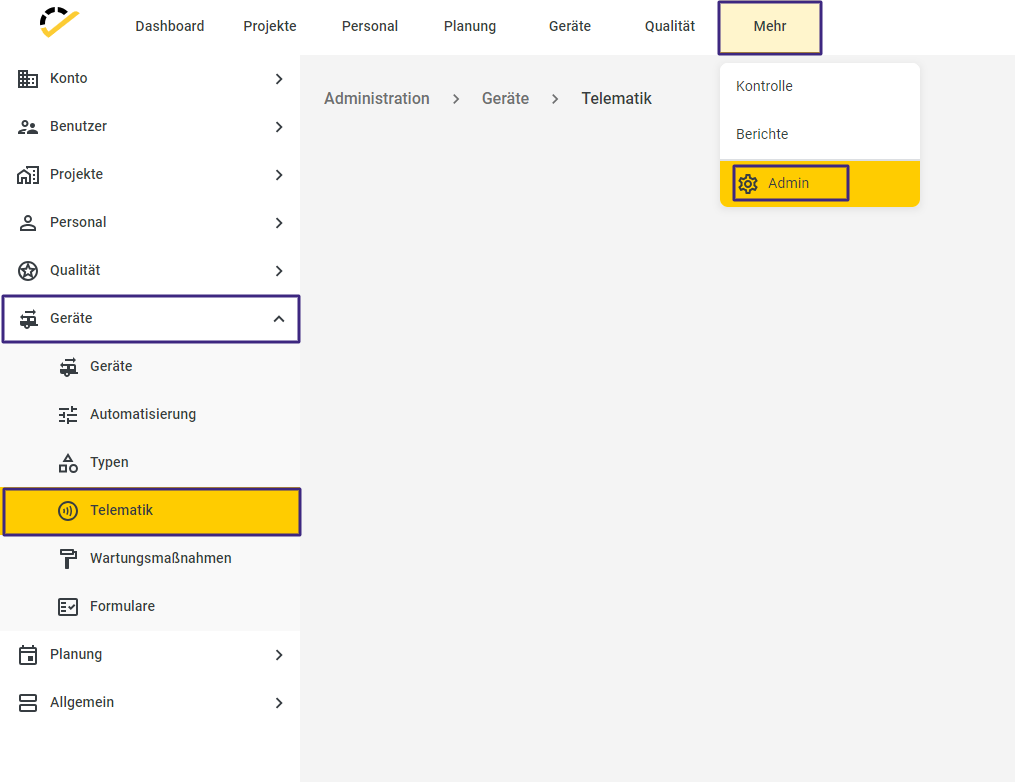
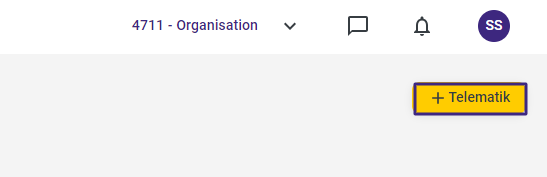
Under the path mentioned above, click the +Telematics button in the top-right corner of the page to link a tracking portal.
The corresponding entry form will open.
First, select the tracking provider you want to link in the required "Tracking Portal" field.
Then assign a unique name to this link.
The fields to be filled in under "Access Data" vary depending on the selected tracking provider.
Note: You can obtain the necessary login credentials directly from the respective tracking provider.
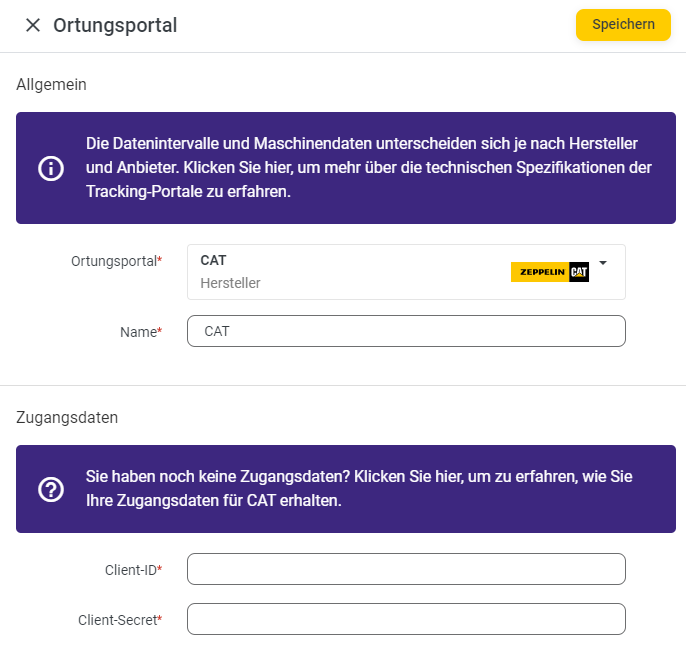
Click Save to complete the setup of the tracking portal.
Your linked tracking portals are displayed in the overview. You can also see the status of the link and when the last data transfer took place.