Quality Types
Written By knollp
Last updated 4 months ago
You can create new quality types to sort your tickets by going to the menu items More -> Admin and then Quality -> Types.
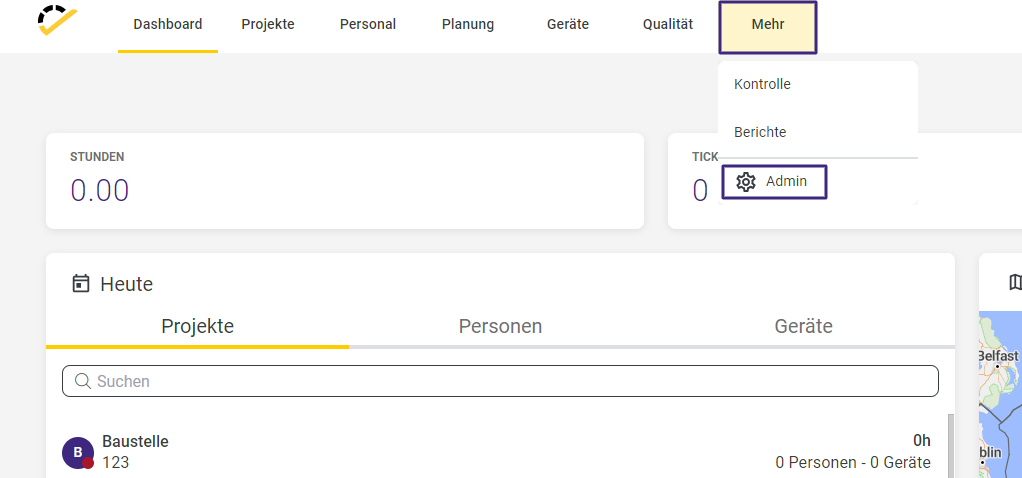

To create a new quality type, click the +Type button in the upper right corner.
The entry form opens, where you can enter the ID, the name of the quality type, and a color. The Name field is a required field.

In the ID field, you can enter a sequential number that can be used to sort the quality types in the overview. The Name field can be filled in freely. It’s a good idea to choose a meaningful name here.
The selected color is used to give you a clearer overview in the ticket overview, as the quality type will then be displayed in that color.
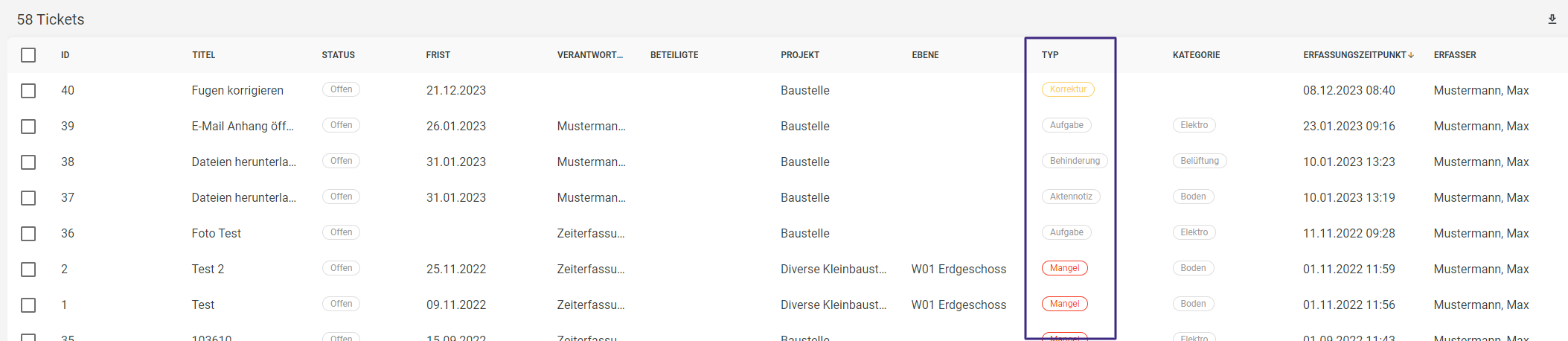
If you use different branches or elements within your account, you can assign the quality type to the desired branch.
To complete the creation of a new quality type, click Save, and it will then appear in the list of quality types.