Notes
Written By knollp
Last updated 6 months ago
Office
You can create notes in 123erfasst Office under Projects -> Notes.
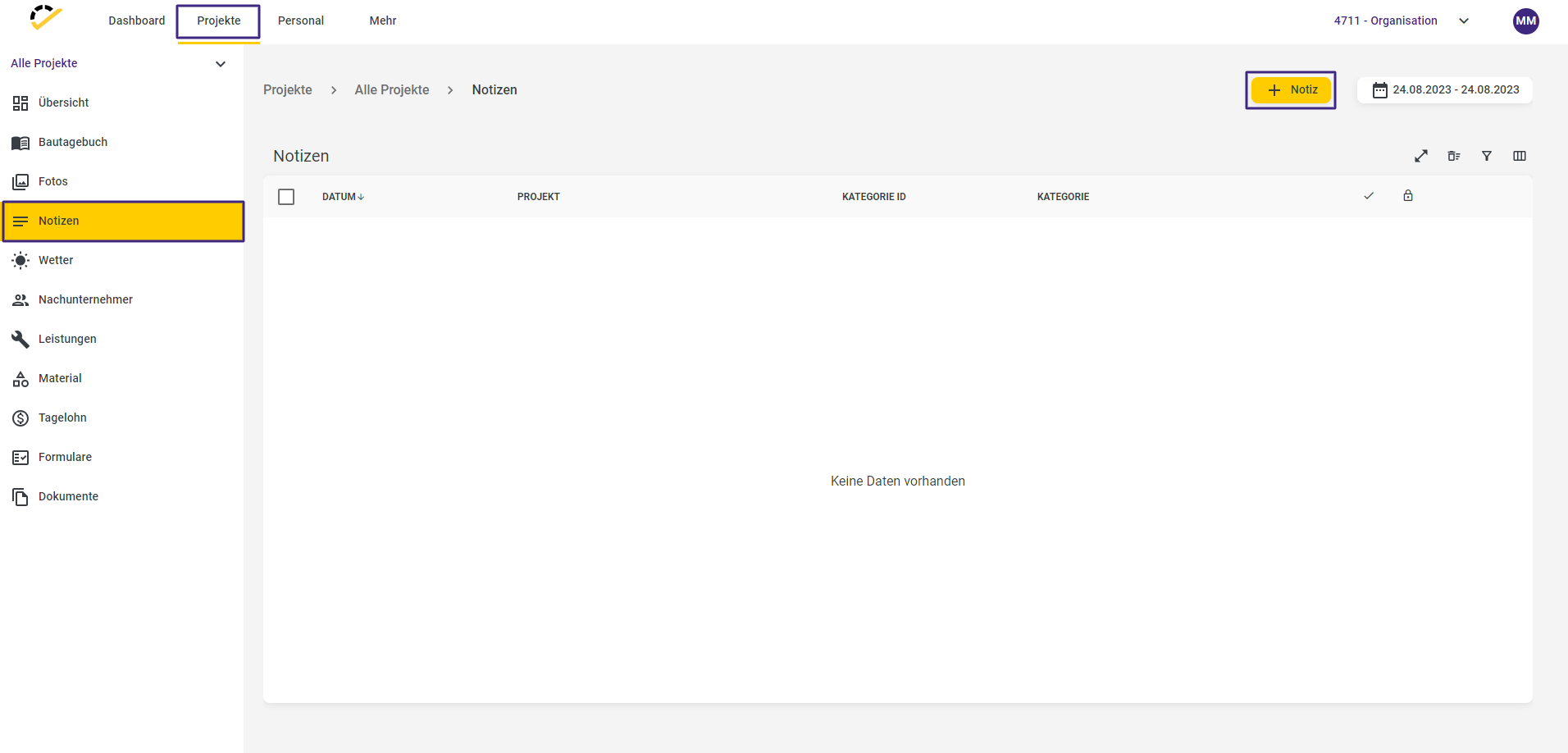
Click the +Note button to access the entry form.
The Date, Project, and Text fields are required fields.
Optionally, you can specify a category and a title.
You can save a default text in the Category field, which will automatically be loaded into the Text field as soon as the corresponding category is selected. If no categories are available for selection, visit here, to learn how to create categories.
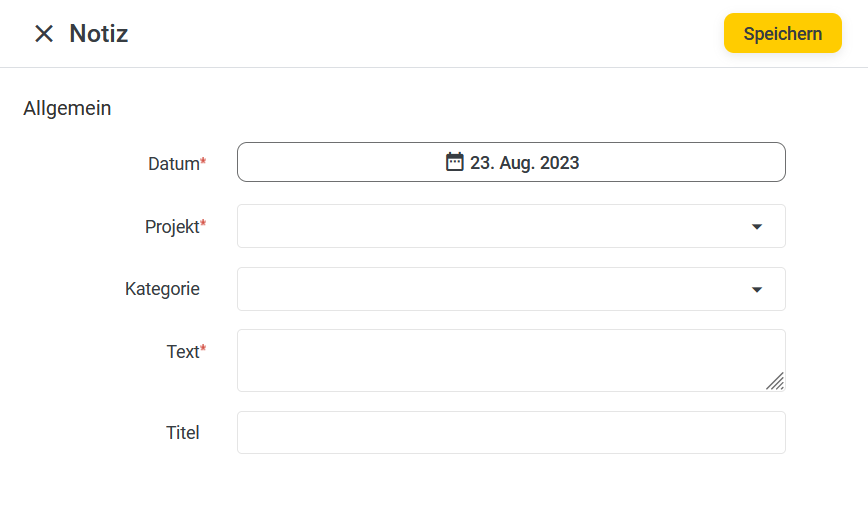
Click the Save button to complete the entry.
App/Web Entry
In the 123erfasst App/Web Entry, the Notes tile is available to you.
The entry is then transmitted wirelessly directly to 123erfasst Office and can be viewed there, as described above, under Projects -> Notes.
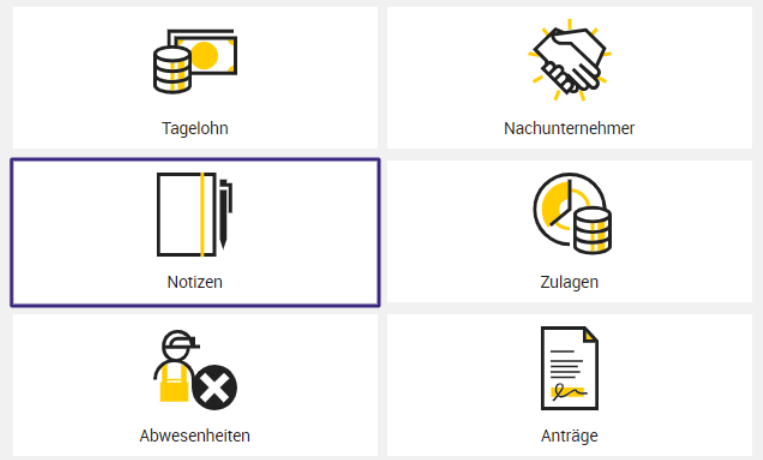
Start a new entry by clicking the + in the Notes tile.

The fields to be filled out are the same as those shown above in the entry form in 123erfasst Office.
Click Save to complete your entry.