Upload the 123erfasst app database
Written By knollp
Last updated 4 months ago
Occasionally, our support team needs access to the affected employee’s app database in 123erfasst to investigate a user issue.
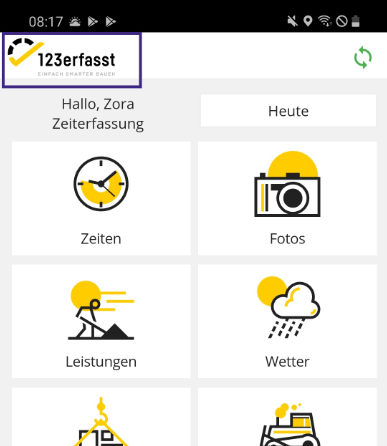
To do this, the affected employee can click on the 123erfasst logo in the upper-left corner of the 123erfasst app’s main page.
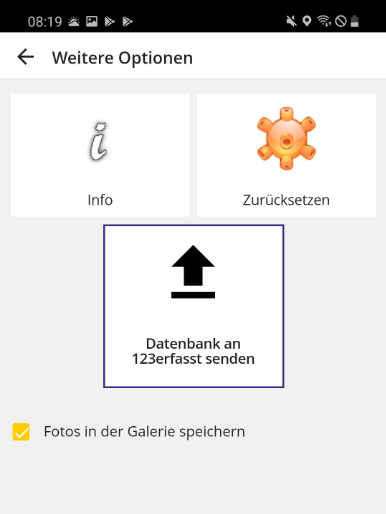
The view changes, and new tiles appear for selection. Now tap the tile “Send Database to 123erfasst.”
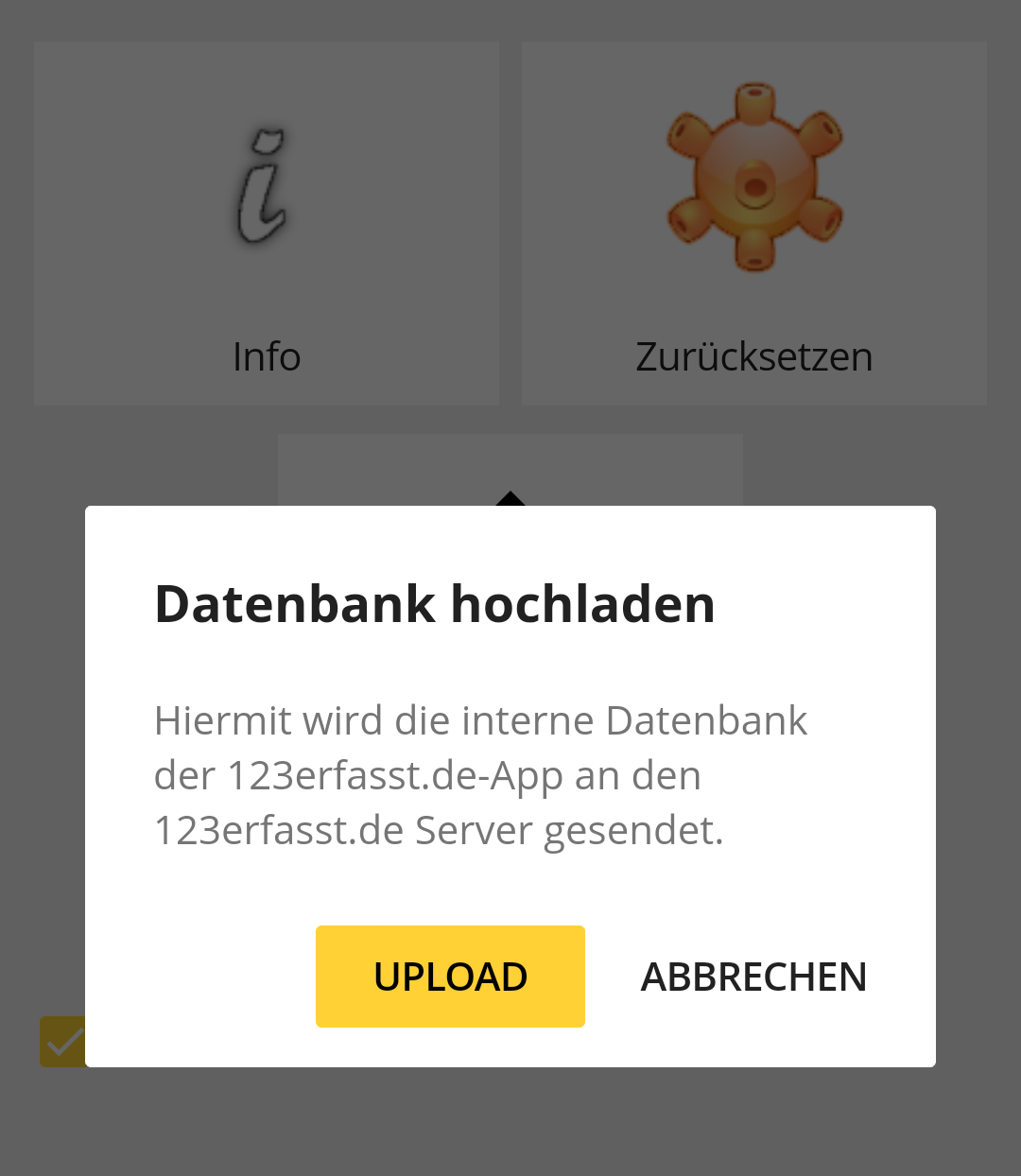
A message saying "Upload Database" will now appear. To transfer the database, tap "Upload."
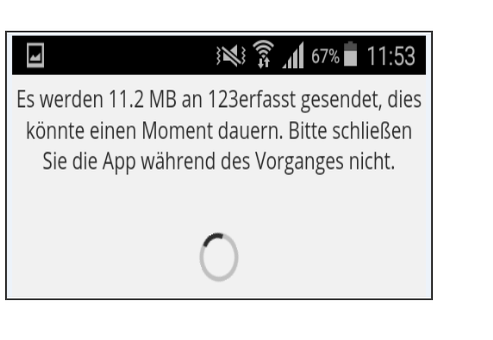
Another notification will then appear.
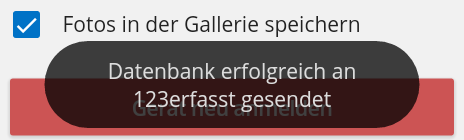
Once the data has been fully transferred, this is confirmed by the message "Database successfully sent to 123erfasst."