Reset the 123captures app
Written By Greta Wulf
Last updated 4 months ago
Occasionally, it may be necessary to reset the 123erfasst app. However, before you reset the app, we recommend that you sync all your recorded data to the Office. To do this, tap the sync icon in the top-right corner of the app.
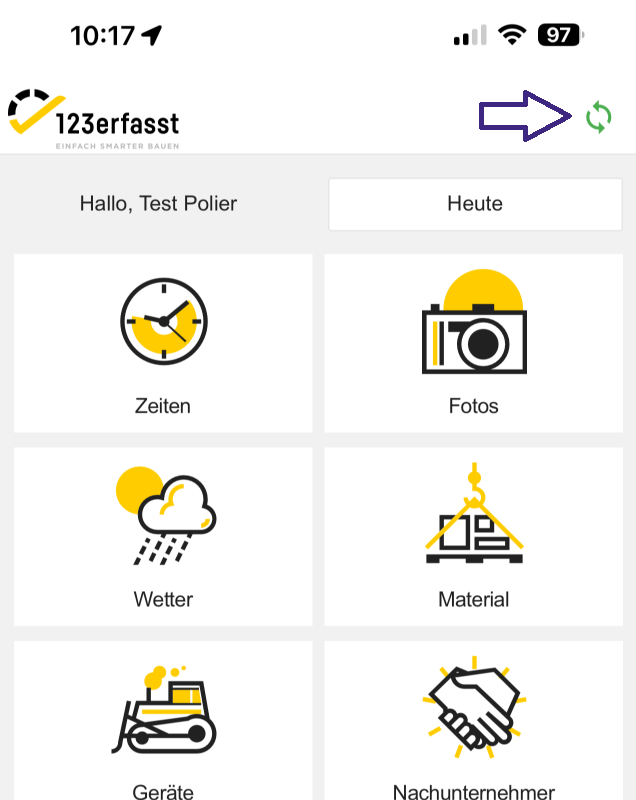
Once the arrows turn green again and stop spinning, the synchronization is complete.
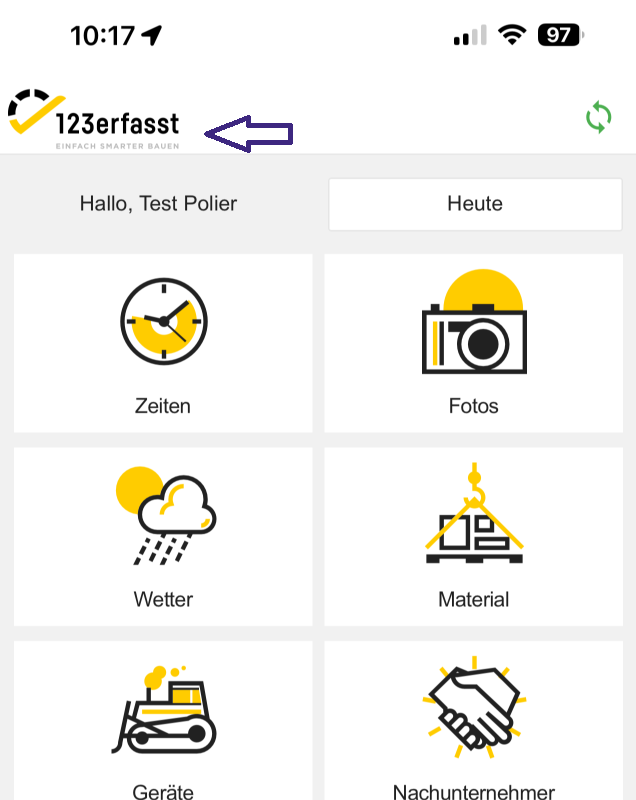
To reset the app, tap the 123erfasst logo in the top-left corner of the app.
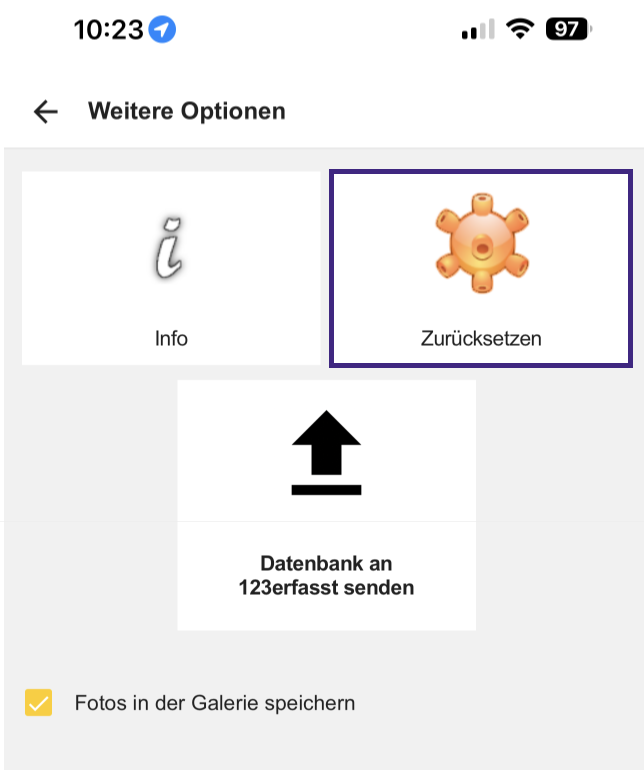
Here, you can reset the data using the Reset button.
We distinguish between "Data Only" and "Data and User."
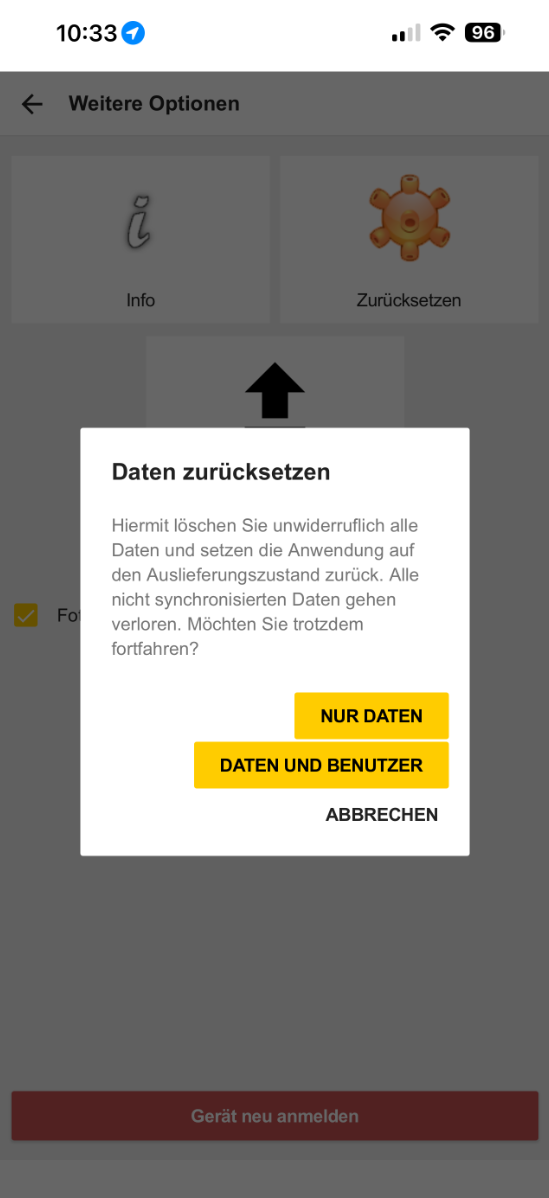
Data Only - No new login is required; otherwise, local data will be deleted
Data and User - You must log in again, and local data will be deleted